
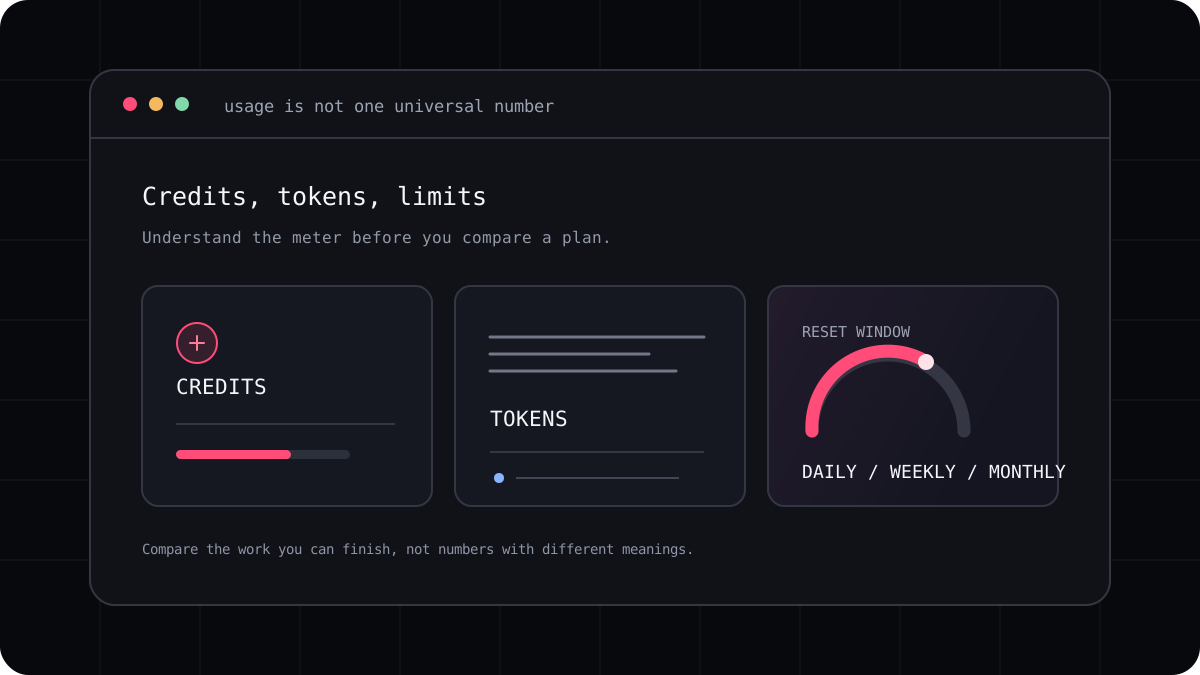
If you are looking for an AI coding tool with the most free credits, the honest answer is that there is no shared scorecard. Bolt publishes a token allowance, Lovable gives build credits, GitHub Copilot measures some features in AI credits, and Antigravity describes rate limits by plan. Those numbers measure different things. This guide compares what each provider actually publishes and shows how to decide which free plan will last longest for your project.
The clearest published free allowance
Among the plans with a plainly stated token count, Bolt currently lists 300,000 tokens per day and 1 million tokens per month for Free. Its pricing page also explains that project size matters because the system syncs project files into the conversation. A large app can therefore use its allowance faster than a tiny experiment. The number is Bolt’s own usage measure, not a promise of one million tokens of finished code.
Other tools publish useful free access in different units. Lovable lists daily build credits, a monthly Cloud credit grant, and a separate allowance for AI features in user apps. Antigravity starts on a free plan with weekly rate limits, while Copilot Free has a monthly AI credit allowance and a separate code completion allowance. Comparing those figures as if they were all model tokens would give a misleading winner.
| Tool | What the free plan measures | What to check before a real project |
|---|---|---|
| Bolt | 300,000 tokens per day and 1 million per month | Project size, daily cap, monthly cap, and how file context uses tokens |
| Lovable | Daily build credits plus separate monthly Cloud and AI grants | Which action spends which credit and when each grant expires |
| Antigravity | Weekly rate limits on the free plan | Which models and features are available to your account |
| GitHub Copilot Free | Monthly AI credits and code completion allowance | Which features use credits and how the monthly balance resets |
So who gives the most?
If you mean the largest published monthly token number, Bolt has the clearest headline figure in this comparison. If you mean the most build actions, the answer depends on the task and how each action is priced. If you mean the most time before hitting a limit, a provider that uses a weekly rate limit or a model dependent credit pool cannot be ranked from the headline number alone.
Try one real task before choosing. A small, self contained page is a fair first comparison. Then try the kind of change you expect to make next month, such as debugging an existing project or adding authentication. The second task reveals whether project context, retries, generated assets, or deployment features consume more of the allowance than you expected.
- Choose Bolt when a browser based builder and its published token allowance fit your project.
- Choose Lovable when its app building workflow and separate build and Cloud grants fit what you are making.
- Choose Antigravity or Copilot when their available coding workflow matters more than a single public token count.
- Check the live plan page on the day you sign up because free limits and plan names can change.
Compare completed work, not free credits alone
A useful free plan gets you to a result you can inspect. Keep a short note of the task, the model, the number of attempts, whether the app ran, and what you had to repair by hand. If one tool gives you a bigger allowance but repeatedly changes unrelated files, that allowance may not save you time.
For a terminal coding subscription, the same rule applies. LucentraCode publishes its current plans and usage conditions, but an approximate usage value is not a fixed count of prompts, features, or tokens. Check the plan details and supported models, then test a representative task in your own repository.
- Pick one small task you can verify, such as fixing a visible bug.
- Start from the same project state and give each tool the same acceptance criteria.
- Record the usage meter before and after, along with the result and any retries.
- Repeat with an existing codebase before you rely on a tool for regular work.
A practical answer for beginners
For a quick experiment, begin with the free tool whose interface feels natural and whose limit is easy to see. For a serious project, decide whether you want a browser app builder, an editor assistant, or a terminal agent. The most generous plan in one category may not help if it does not fit the way you build.
The pages linked below show the current allowances and explain their units. Read those first, then use the trial steps above. That gives you a useful answer for your own workload rather than a leaderboard that treats credits, tokens, and hours as the same thing.