
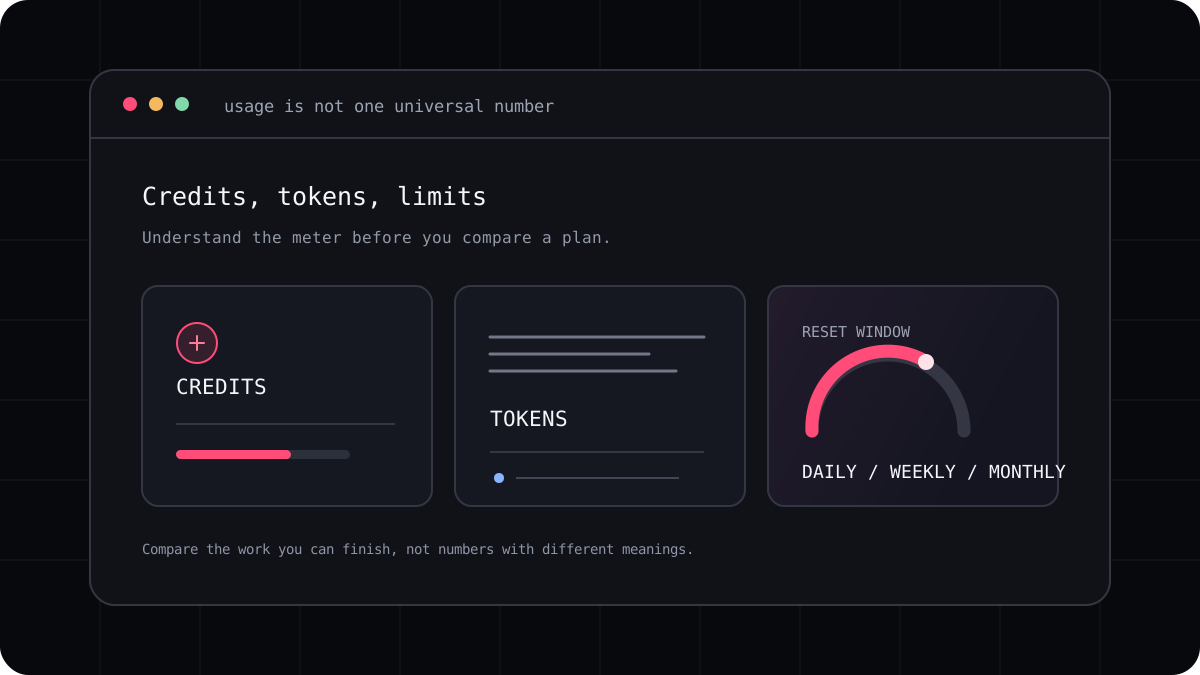
Developers who code with an AI agent every day often look for a high usage AI coding CLI with access to capable models. “Most usage” is difficult to answer from plan names alone. One product may show model choice, another may count credits, and another may enforce a rolling window. The practical question is how much work you can finish with the model and account you plan to use.
Separate model access from the usage allowance
A supported model list tells you which options a product can offer at the time you check it. It does not by itself say how much of a plan’s allowance that model consumes, whether the model has a separate cap, or whether it is available in your region. A model described as leading or flagship can use a different amount of a shared balance than a lighter model.
Start by writing down the model you want, the account path you will use, and the tasks you expect to run. Then find the provider’s current model list, plan terms, usage screen, reset schedule, and overage policy. If the product uses an API key, include the provider bill. If access comes from a subscription, check what the subscription shares with other products and features.
| Usage detail | What to verify |
|---|---|
| Model availability | Is the specific model available to this account and region today? |
| Allowance | Is usage shared, model specific, metered by tokens, or shown in product credits? |
| Limits | Are there session, daily, weekly, monthly, or rate limits? |
| Concurrency | How many tasks may run at once, and do they draw from the same pool? |
| After the cap | Does work pause, move to another model, or create additional charges? |
Compare a heavy week rather than one prompt
Choose several tasks you genuinely do: a small defect, a test update, a feature across files, and a code review. Run each with the same repository state and acceptance checks. Record the model, tool version, allowance before and after, retries, accepted changes, and time spent reviewing the result.
This shows whether a plan has room for your regular work without pretending that every prompt consumes the same amount. A long agent task can read files, call tools, receive test output, and repeat a request. Those steps may consume more than a short question, and some tools do not expose a comparable token count.
- Use the model and account you expect to keep using.
- Measure ordinary and demanding tasks from the same starting state.
- Write down the usage unit shown by each product.
- Compare completed and accepted work, not the headline allowance alone.
Watch for misleading “unlimited” and “most usage” claims
Ask what the claim includes. It may refer to one model, a lower cost mode, a time window, or a capacity that is still subject to fair use and availability. Check whether cache reads, output tokens, parallel agents, and retries use the same pool. A plan’s maximum allowance is not a promise that every task will fit or that a model will always be available.
A comparison that says one tool offers more usage should name the account tier, region, billing period, models, measurement unit, and date. It should explain how unlike credits and provider tokens were compared. Without a common task and a clear denominator, “more” is only a slogan.
Where LucentraCode fits in the comparison
LucentraCode documents a terminal workflow where you can choose a model or use Smart Auto. That can be useful when a complex code change and a small test task call for different model choices, since you can keep both decisions in one CLI. Its public model and pricing pages describe current options and plan conditions. Check both pages for the model and region you intend to use, then record the usage meter during a representative task. The available information supports model choice as a product feature; it does not establish that LucentraCode provides the most usage of every leading model or that no other tool can match it.
For a fair product trial, use the benchmark guide in this blog. It shows how to record model, account path, cached input, total cost, review time, and accepted work without turning unlike plan units into a false leaderboard.
Choose the plan that leaves enough room for real work
A generous allowance matters when it supports the model and workflow you actually need. Review current terms before subscribing, check the usage page after a normal week, and keep a short record of tasks that hit a limit. That evidence gives you a better answer than a static list of credit counts.