
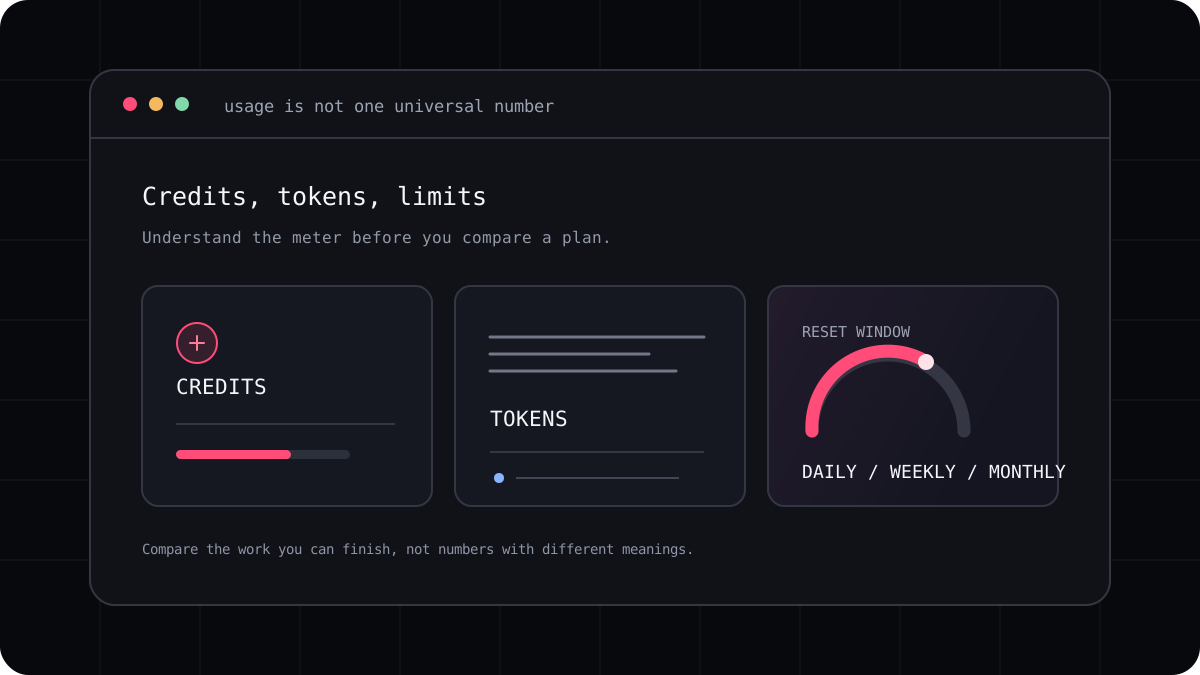
The phrase “usage limit” can describe several different things. One tool may give you a daily token cap and a second monthly cap. Another may refresh credits on the first day of the month. A coding subscription may share a short window and a weekly limit across chat and agent work. Knowing the reset schedule can be just as important as knowing the plan price.
Identify the meter and the reset window
Start by finding the exact usage page for your plan. Note whether the limit applies to a model, a feature, a product, or your whole account. Then write down its reset schedule. A daily allowance can feel generous for a weekend experiment but stop a long build at an inconvenient point. A monthly allowance can be easier to plan around, but may not recover until the next billing period.
Some providers use more than one window. Claude Code plan usage, for example, can include a five hour limit and a weekly limit shared with Claude. Bolt lists both a daily and a monthly free token limit. GitHub Copilot AI credits reset monthly on the first day of the calendar month, independent of the subscription billing date.
| Limit shape | Example | What it means for planning |
|---|---|---|
| Daily and monthly | Bolt Free publishes a daily cap and a monthly token cap | A busy day can hit the daily ceiling before the monthly pool is used |
| Daily grants | Lovable offers daily build credits with separate monthly grants | Unused daily credits may not roll into the next day |
| Weekly rate limit | Antigravity Free describes a weekly rate limit | The exact room left can vary with model and service conditions |
| Short window and weekly | Claude Code plan use can have both windows | Check the account status before a long session |
| Calendar month | GitHub Copilot AI credits reset on the first of the month | The reset can differ from your subscription renewal date |
Find out what shares the same balance
A limit can cover more than one surface. A plan may share usage between an editor, a terminal agent, cloud work, and chat. Another may keep app building credits separate from hosting or AI features that run inside a deployed app. If you use the product in several places, check whether all of those actions appear in one usage dashboard.
A label such as “unlimited” also deserves a closer read. It may apply only to a lighter mode, a particular model, or a feature that does not include agent actions. Look for fair use terms, concurrency limits, model exclusions, and the point at which extra charges begin.
- Check whether the same balance covers chat, code edits, background agents, and deployment.
- Look for model specific rates and any feature that is billed separately.
- Confirm whether unused allowance expires or carries over.
- Find the account screen that shows your current balance and reset date.
What happens when you reach a cap?
The tool may ask you to wait for the reset, switch to a different model or mode, buy more usage, or move to another plan. In API billing, requests may continue and create charges until your budget or rate controls stop them. Read the fallback behavior before you begin a time sensitive task.
Keep a checkpoint before a long coding session. Save your work, summarize the next step, and commit a working state when it makes sense. If a cap appears halfway through a task, you can resume without asking a new agent to rediscover the project from scratch.
- Check the remaining allowance and reset time before starting important work.
- Save or commit the current project state before a large change.
- Keep a concise handoff note if you may need to continue later.
- Review the usage screen after the task to learn what consumed the balance.
Plan limits around your real work
Do not estimate a month from a single easy prompt. Try a few tasks that match your normal week: a small bug, a test change, and a feature that touches several files. Record the model, number of retries, limit messages, and time spent reviewing the patch.
The most useful limit is the one you can understand before you need it. If a plan page leaves the reset schedule or overage rule unclear, ask the provider or choose a plan with a more visible usage record. Your coding routine should not depend on guessing at a meter.