
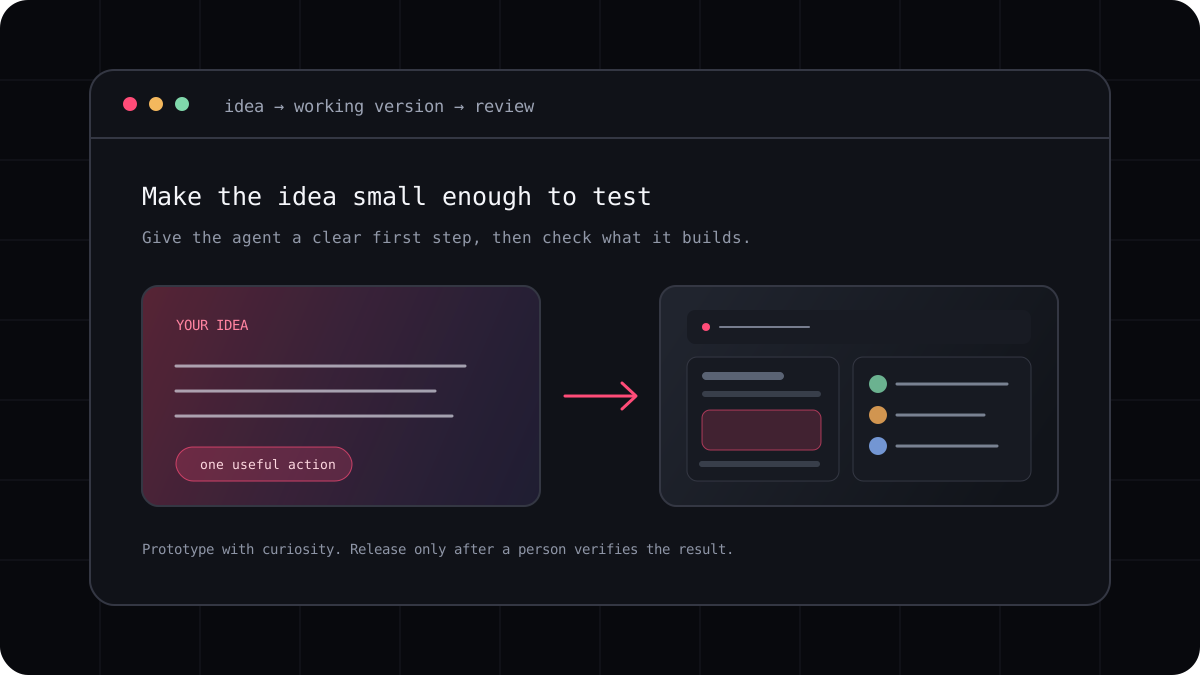
Vibe coding is a way of building software by describing what you want in everyday language and using an AI tool to create or change the code. The phrase is often used for fast prototyping, but it can describe anything from a landing page to a small internal tool. It is a starting method, not a guarantee that the finished app is secure, correct, or ready for customers.
What happens during a vibe coding session?
You describe an idea, look at what the tool creates, and give it the next instruction based on what you see. The loop can include planning, writing code, running the app, fixing an error, and adjusting the design. A browser builder may show the result beside a chat. A terminal agent may work directly in a project folder. Both let you steer with ordinary language, but they give you different levels of access to the underlying code and environment.
The best sessions are a conversation with checkpoints. You make choices about the user, the first useful feature, and what should happen when something goes wrong. The agent helps turn those decisions into a working version. If you leave every decision open, it will make assumptions for you, and those assumptions may not match the product you had in mind.
Where it works well
Vibe coding is useful when the first version is small enough to inspect. You can make a personal tracker, a prototype, a simple dashboard, or an interactive explanation and learn from it before investing more time. It can also help an experienced developer scaffold a screen or explore an unfamiliar library.
It is less comfortable when the task has hidden rules, sensitive data, payment flows, or safety consequences. Those projects may still use AI assistance, but the person building them needs to define requirements, review design decisions, and verify behavior with much more care.
- Good first projects have one clear user and one useful action.
- A visible result makes it easier to explain what should change.
- Small milestones make it easier to catch a wrong assumption early.
- A prototype is not automatically a secure or maintainable product.
A simple loop that keeps you in control
Start by describing the person who will use the app and the problem they have. Ask the tool to suggest a small first version before it edits the project. Build one screen or behavior, run it, and check the result. When something is wrong, describe what you observed rather than asking for a vague polish pass.
Keep the code understandable as the app grows. Ask what files changed, why a dependency was added, and how to run the checks. Save a working checkpoint before a larger experiment so that you can return to a version you trust.
- Describe one user, one problem, and one useful first action.
- Ask for a short plan and name the assumptions that need your decision.
- Build a small piece, run it, and inspect the result yourself.
- Add tests and review security before anyone depends on the app.
A prompt to adapt
I want to build a small app for people who [describe the user]. The first useful action is [describe the action]. Suggest a simple first version, list assumptions, and tell me how I can verify it. Wait for my approval before changing files.The person with the idea stays responsible
AI can produce code quickly, but it does not know every promise your product makes to its users. Check whether the result stores data in the right place, handles failure clearly, works with a keyboard, and avoids exposing private information. Read the changes before deploying them.
Vibe coding is most productive when the person steering the session stays curious. Ask questions, run the app, inspect the diff, and keep improving your understanding. The tool can help you move faster while you remain the one deciding what is good enough to ship.