
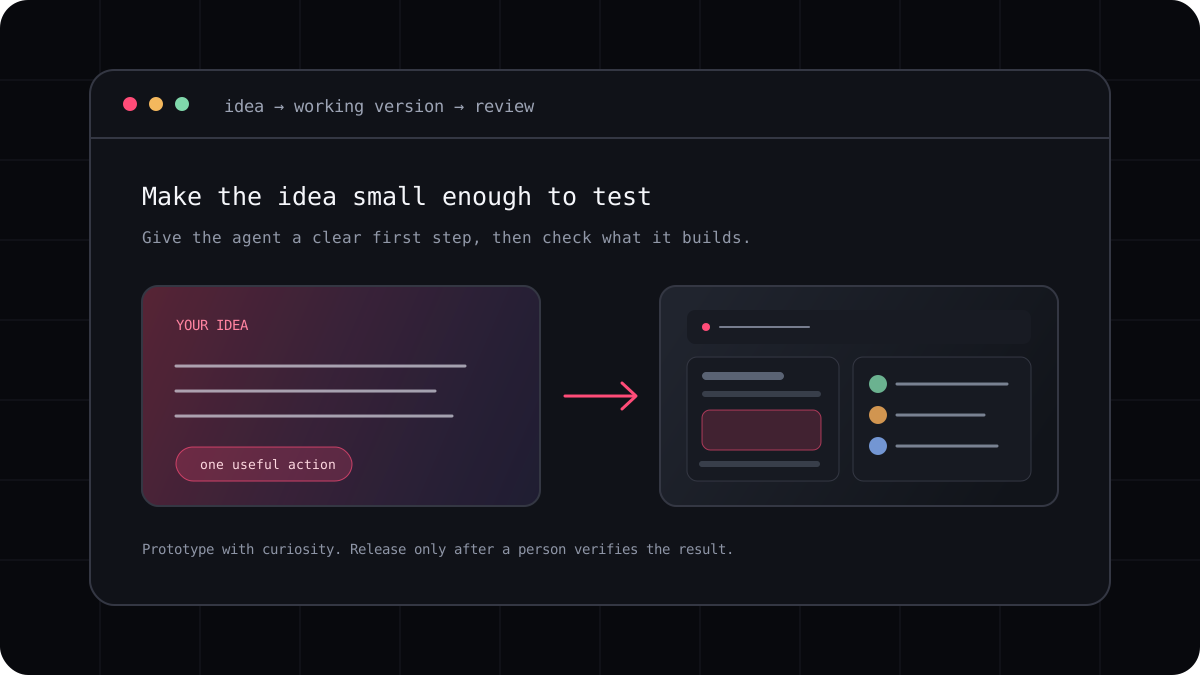
You do not need to know every programming term to try vibe coding. You do need a small idea, a way to look at the result, and enough patience to check what the tool makes. Your first project should teach you how the loop works without creating a product that you have to maintain before you understand it.
Pick a first project you can finish
Choose something you can describe in one breath: a reading list that remembers saved links, a meal planner for one week, or a page that helps you split a shared bill. Decide who will use it and what they should be able to do first. A project with one clear action gives the tool less room to invent a complicated product.
Avoid a first request that includes accounts, payments, social feeds, and a mobile app all at once. Each added feature creates decisions about data, permissions, and failure. You can add complexity later, after the first version works and you understand how its pieces fit together.
- Name one kind of user, not everyone on the internet.
- Choose one action the user should complete.
- Decide what should appear when there is no data yet.
- Keep private or sensitive information out of a first practice project.
Give the tool a useful first instruction
Tell the agent what the app is for, what the first screen should show, and what happens after the user takes the main action. If you have a visual preference, describe it in concrete terms such as a compact layout, a calm background, and a clear primary button. Ask it to explain its plan before it starts changing files.
Once the first screen appears, try it yourself. If the button is in the wrong place, say where you expected it. If saving does not work after a refresh, describe the exact sequence. Specific observations give the next step a better chance of fixing the real problem.
A prompt to adapt
Build a simple reading list for one person. Show a form to add a title and link, list saved items, and let me remove an item. Keep the layout calm and readable. First explain the files and storage approach you plan to use. After the first version, tell me how to run it and check that saving works after refresh.Work in short stages
A practical order is layout, one working interaction, saved data, then details such as empty states and keyboard use. Run the app after every stage. Save a checkpoint when it works so you have something stable to return to if the next change breaks it.
Ask the agent to keep each change focused and tell you when it has not run a check. If it says a test passed, look for the command and the actual result. Learning to question a confident answer is part of becoming comfortable with AI assisted development.
- Create the smallest useful screen.
- Make the main action work before adding more features.
- Refresh, resize, and use the keyboard to check the behavior.
- Save a working version and write down what you learned.
Know when to pause and get help
If you see a command that deletes files, changes account permissions, exposes a secret, or creates a bill, stop and find out what it does. Do not paste passwords, private keys, customer records, or confidential source code into a tool unless your organization has approved that service and configuration.
When the app becomes more than a practice project, learn how it handles data, access, backups, and errors. Ask a developer to review it before you put real users or important information at risk. AI can make the first version less intimidating without removing the need for sound decisions.