
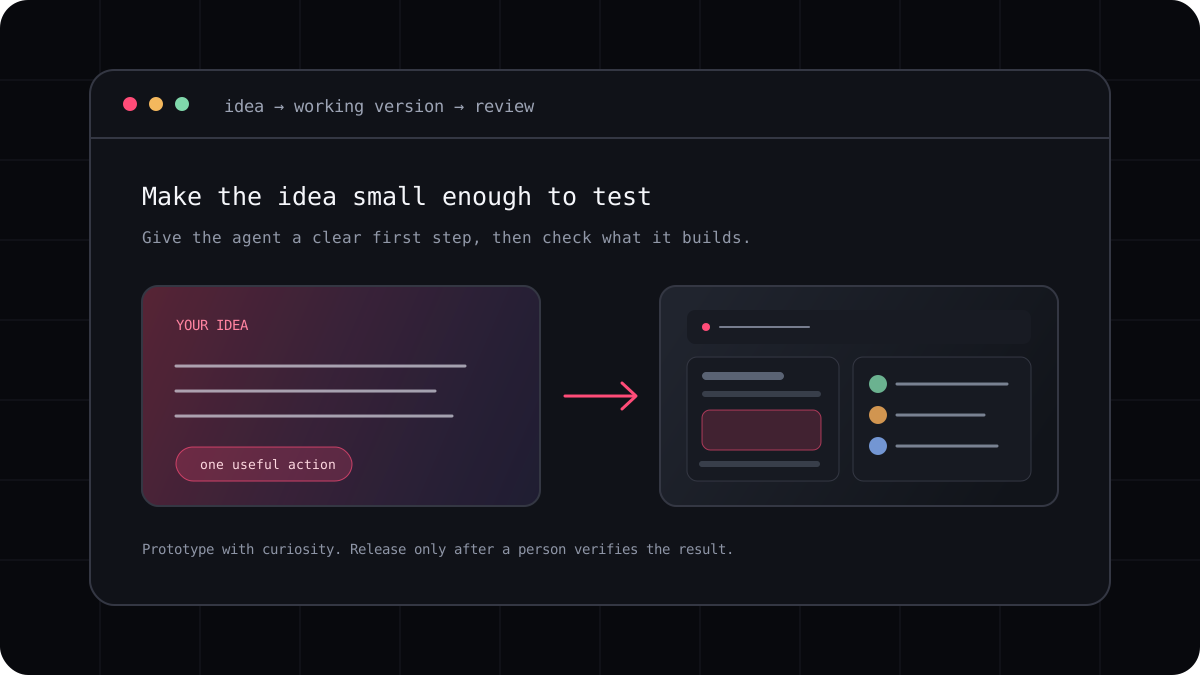
Vibe coding can make it easier to move from an idea to a working prototype. The result is more useful when you keep the project small, give the agent clear checkpoints, and run the app yourself after each change. A terminal workflow is one way to keep that process close to the code.
Choose an idea with a clear first version
Pick a small tool you can describe in a few sentences, such as a reading list, a habit tracker, or a page that searches your own notes. Decide what the first screen should show and what one action a user should be able to complete.
Avoid asking for every feature at once. A small first version lets you see the structure, correct a wrong assumption, and decide what to build next before the project becomes difficult to understand.
Build in visible checkpoints
Ask the agent to inspect the project and propose a plan before changing files. Then build one part at a time: a basic layout, one working interaction, saved data, and finally polish. Run the project after each checkpoint and say what is wrong in ordinary language.
Keep the instructions concrete. Describe the screen, the action, and the result you expect. If visual quality matters, provide a reference image or name the design details you want, then inspect the rendered result instead of assuming the code matches your idea.
A prompt to adapt
Help me build a small reading list app. First propose the simplest useful version and name the files you expect to change. Wait for my approval before editing. After each step, tell me how to run it and what I should check.Keep the code understandable
Ask for ordinary project structure, clear names, and a short explanation of new dependencies. If the agent creates a large abstraction for a small feature, ask whether the simpler version would be easier to maintain.
Commit or save checkpoints after the app reaches a working state. That gives you a safe return point when a later experiment changes more than you intended.
Test what a person will do
Try the app as a user. Submit empty values, refresh the page, navigate with a keyboard, and check whether the data stays where you expect. Ask the agent to add tests for important behavior, then run them yourself.
A prototype can be playful and still deserve a review. Before you share or deploy it, inspect dependency choices, error handling, accessibility, privacy, and any content or credentials that could be exposed.
- Write the first version in one clear paragraph.
- Ask for a plan, then build one checkpoint at a time.
- Run the app and describe what you observe.
- Review the code, tests, and data handling before sharing it.