
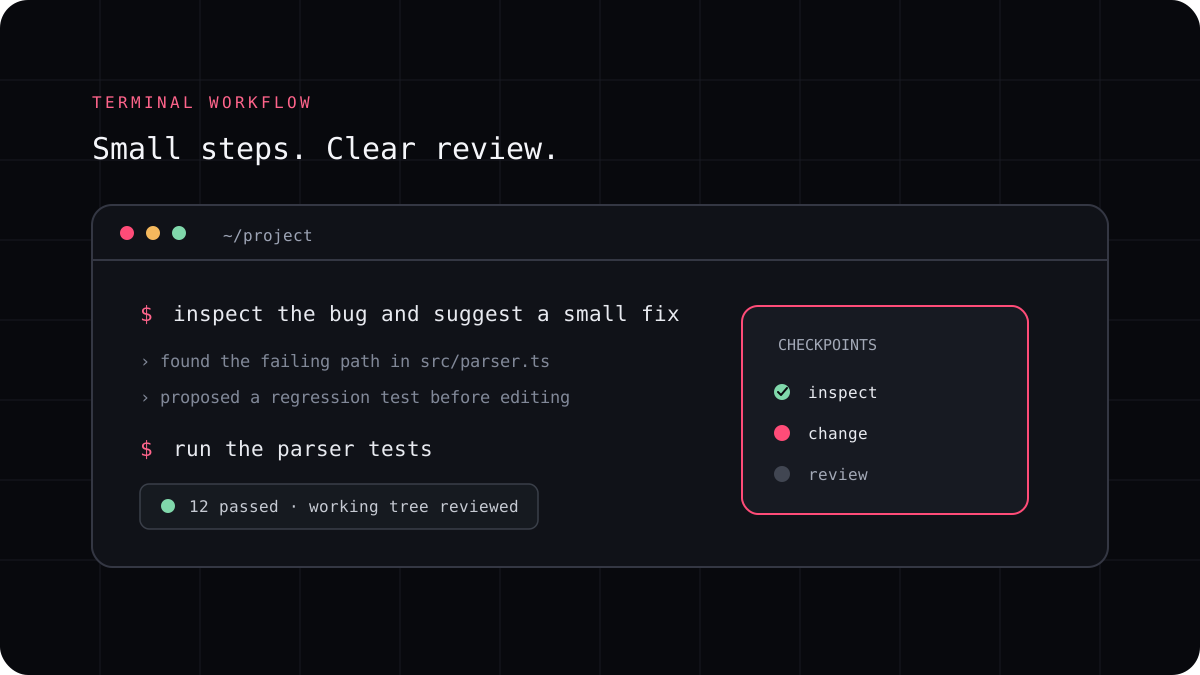
A coding CLI can read source files, change a working tree, run shell commands, and connect to external tools. Those capabilities make it useful and give it real power over your project. A sensible setup starts with the smallest access needed for the task and asks for approval before actions that could be hard to reverse.
Separate reading from changing things
Reading a file and running a shell command are different kinds of access. An agent that can edit your project may also change files in ways you did not expect. A shell command can install software, delete data, make network requests, or interact with accounts available to your user. Check which tools the CLI can use and what each permission actually covers.
For an unfamiliar repository, start by asking the agent to inspect and plan without editing. Review the plan, give it the access the task needs, and keep a clean Git checkpoint. If the tool offers a permission such as ask, allow, or deny, read its documentation for the exact scope. Those labels are not interchangeable between products.
| Action | Reason to allow | Reason to pause |
|---|---|---|
| Read project files | Needed to understand the task and nearby conventions | Private data or unrelated directories may be in scope |
| Edit project files | Needed for a code change you have asked for | The diff is broad, touches protected files, or changes data formats |
| Run tests and read only checks | Provides evidence about the proposed change | A command has side effects or invokes untrusted scripts |
| Install packages or use network tools | May be needed for a documented task | Can change the environment or send data outside the project |
| Push, deploy, or modify external systems | Only for a clearly approved release workflow | The action is public, difficult to reverse, or affects real users |
Approval prompts are not a security sandbox
An approval setting controls when a product asks you before using a tool. It does not necessarily isolate the process from files or credentials that the operating system account can access. LucentraCode’s own configuration guide states that permission controls can pause for approval but are not a security sandbox.
Use a separate project copy, container, or other isolated environment when you are evaluating an untrusted repository or agent instruction. Keep credentials out of the workspace unless the task requires them and you understand how the model and integrations handle data.
A safer way to raise an agent’s access
Give the agent read access first so it can explain the likely files and commands. Let it edit only after you agree with the plan. Review changes before you allow a commit, push, deployment, database update, or action in another service. If a task can be verified with read only commands, keep that as the default.
If you use MCP servers, review each server’s own permissions and credentials. A connected server may have access that is broader than the coding CLI itself. Remove credentials when you no longer need that integration.
- Start in a version controlled project with a known working state.
- Ask for a read only plan before granting file edits or shell access.
- Review each new permission and the exact action it covers.
- Keep external changes and releases behind a human review step.
Keep the rule proportional to the task
A local formatting change does not need the same access as a database migration. Set approvals around the consequence of the action and the trust you have in the repository. Revisit permissions when the task changes rather than approving every request automatically for convenience.
Use the product’s security page and current CLI configuration reference for the exact controls. The safest setup is one you can explain to another developer and verify in the tool’s settings.