
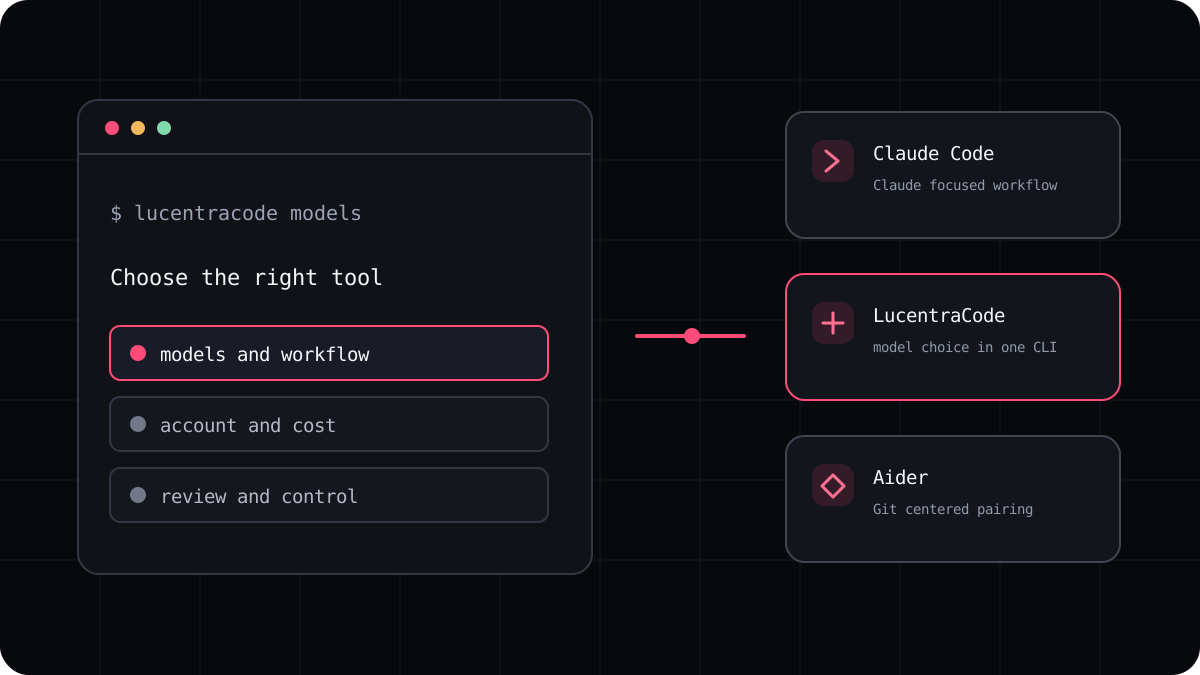
Cursor CLI and LucentraCode both let you work with a coding agent from a terminal, but they sit inside different product choices. Cursor brings its agent and account into a command line workflow. LucentraCode offers a terminal interface with a published list of supported models and its own plan conditions. Choose by the way you already work, then compare the same task before moving a project.
Start with the surrounding workflow
Cursor CLI is useful if you already work in Cursor or want its agent available from scripts and a terminal. Cursor documents both an interactive session and a print mode for noninteractive tasks. Its CLI also works with Cursor rules and project instruction files, so a team already using those conventions can keep them close to the editor workflow.
LucentraCode is aimed at developers who want a terminal first coding workflow and a choice from its supported model catalogue. That can be worth exploring if model choice is part of your routine or you want to compare plan terms from one product. The current supported models and plan pages are the source of truth for availability and usage conditions.
| Decision | Cursor CLI | LucentraCode |
|---|---|---|
| Where it fits | Cursor account and agent workflow, with terminal use | Terminal first workflow with LucentraCode account and plans |
| Model choice | Check the current Cursor CLI model options | Check the current supported model catalogue |
| Project guidance | Review Cursor rules and supported project instruction files | Review the setup and project guidance for the current CLI |
| Usage cost | Use Cursor’s current account and usage terms | Use LucentraCode’s current plan and usage terms |
Compare model access and billing separately
A model name in a picker does not explain the allowance behind it. Check whether a session uses a subscription, a separate API key, or another usage pool. Then find the limit window, what happens after the limit, and whether other product features use the same balance. These details can change, so use the current product pages rather than an old comparison table.
For LucentraCode, compare the models you actually intend to use with the current supported list and plan terms. Do not assume that a published usage estimate guarantees a fixed number of prompts or completed tasks. Agent work varies with the repository, task size, retries, and how much context the model needs.
Run the same repository task in both tools
Use a small bug fix or test change from a clean Git commit. Give each tool the same acceptance criteria. Ask for a short plan, a focused patch, the exact checks it ran, and a summary of unresolved risks. Record the time to a reviewable diff, test results, human corrections, and the usage shown by the product.
A task that runs once in each product can be misleading. Repeat it with another task type, such as a contained feature or a code review. Keep your own notes about the model, product version, account path, and date so you can tell whether a later change in plans or models changes the answer.
- Start both tools from the same repository commit.
- Use the same prompt and acceptance checks.
- Review each diff and run the project checks yourself.
- Compare accepted work, review time, and the product’s own usage meter.
Which one belongs on your shortlist?
Choose Cursor CLI when its editor connection, rules, and account already match your day to day work. Compare LucentraCode when a terminal first interface and its available model choices fit your needs. If you are still choosing a category of tool, the broader AI coding CLI guide explains what to compare across the field.
Neither product is automatically the better choice for every repository. Confirm the current details, test a real task, and choose the workflow whose results you can review and afford.