
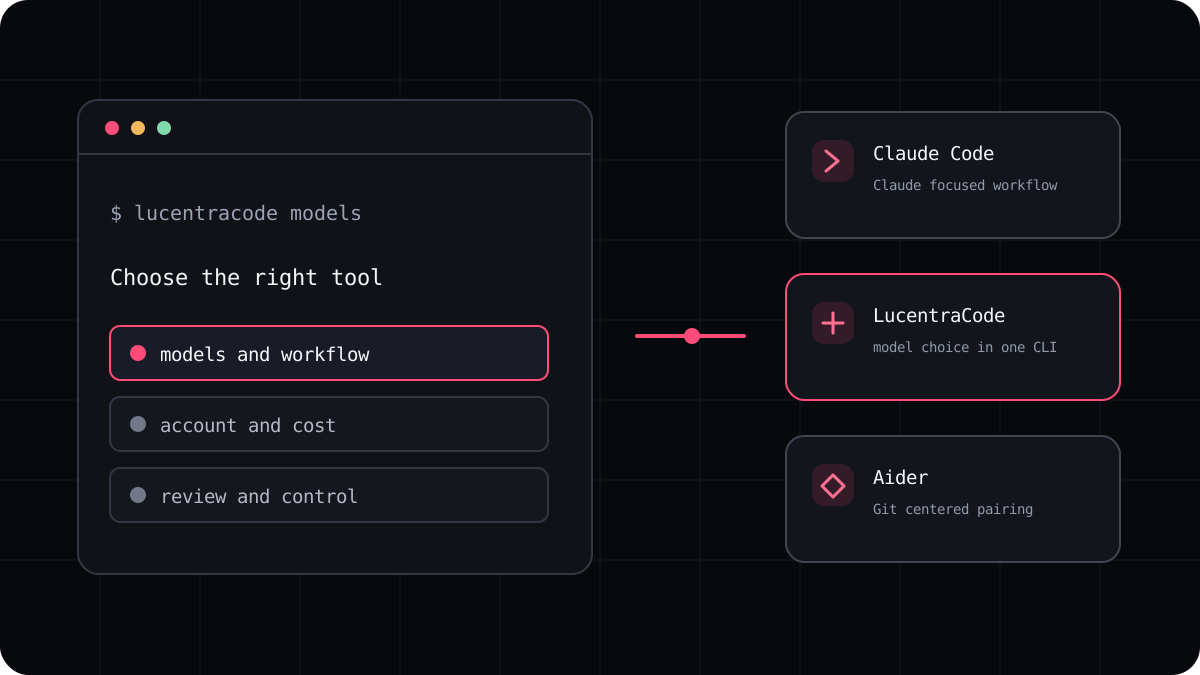
Claude Code is a capable way to work with Claude from a codebase. The right alternative depends on what you want to change. Some developers want a different model family, some want a broader choice of models, and others are trying to understand a bill that moves with usage. Start with that reason, then compare tools against the work you actually do.
Start with the reason you are looking
A search for a Claude Code alternative can mean several different things. You may want to use models from more than one provider. You may prefer a fixed subscription to usage based API billing. You may want a smaller tool that fits into a Git focused routine. Those are different requirements, so a list of names is only the beginning.
Write down the task that made you look for another tool. A bug fix, a test writing session, and a large feature exercise different parts of an agent. The most useful comparison repeats one of those tasks with the same repository and acceptance criteria.
- Codex is worth comparing when you want OpenAI models and already use ChatGPT.
- OpenCode is worth exploring when you want to configure providers and models yourself.
- Aider is worth a look when you prefer a focused pair programming flow with Git in the center.
- LucentraCode is an option when you want several available models through one terminal CLI and a published subscription plan.
Compare the whole workflow
Do not compare only the model name. Check how the agent reads a repository, proposes changes, runs commands, presents a diff, and handles a failed test. Also notice when it asks for your approval. A tool that suits a careful maintainer may feel slow to someone prototyping a small app, and the reverse can also be true.
Then compare the account and billing conditions. Claude Code can be used through Claude subscriptions and other supported access paths. Other products have their own plans, model availability, and usage limits. A monthly price does not tell you how many long sessions a plan will support.
Run a small and repeatable trial
Choose a public or disposable project, record its starting commit, and give each tool the same task. Ask it to explain the likely files first, make a narrow change, add a regression test, and report the commands it ran. Review the diff yourself before accepting it.
Keep a short record of time, retries, test results, human corrections, and any limit message. This will tell you more than a generic leaderboard because it reflects your repository, your chosen model, and your standards.
- Use the same clean copy of the repository for each tool.
- Give each tool the same task and the same acceptance test.
- Record what passed, what needed correction, and what the session cost.
- Choose the tool that fits your routine, even if it is not the cheapest headline price.
When LucentraCode belongs on the shortlist
LucentraCode is designed for terminal based coding with a choice of available models from one CLI. Its plans have published rates and usage conditions. That can make it useful to compare if you want one coding subscription and the option to choose among different model families.
It is not a universal replacement for Claude Code. If you specifically want Claude and Claude integrations, staying with Claude Code may be simpler. Check the current model catalogue and plan terms before deciding what belongs in your workflow.