
Codex CLI brings an OpenAI coding agent into a project directory. Developers searching for an alternative are often asking one of two questions: can I use a different model family, or can I get the same kind of terminal help through a plan that fits me better? A useful answer starts by separating those needs.
Know what you want to keep
You might value a terminal based agent that reads files, edits a codebase, and runs project commands. You might instead be looking for provider choice, a different approval style, or less dependence on an existing account. Keep the parts that work for you on one side of your notes and the parts you want to change on the other.
This avoids choosing a tool because its name appears in an alternatives list. The best candidate is the one that meets your actual constraints without making your review process harder.
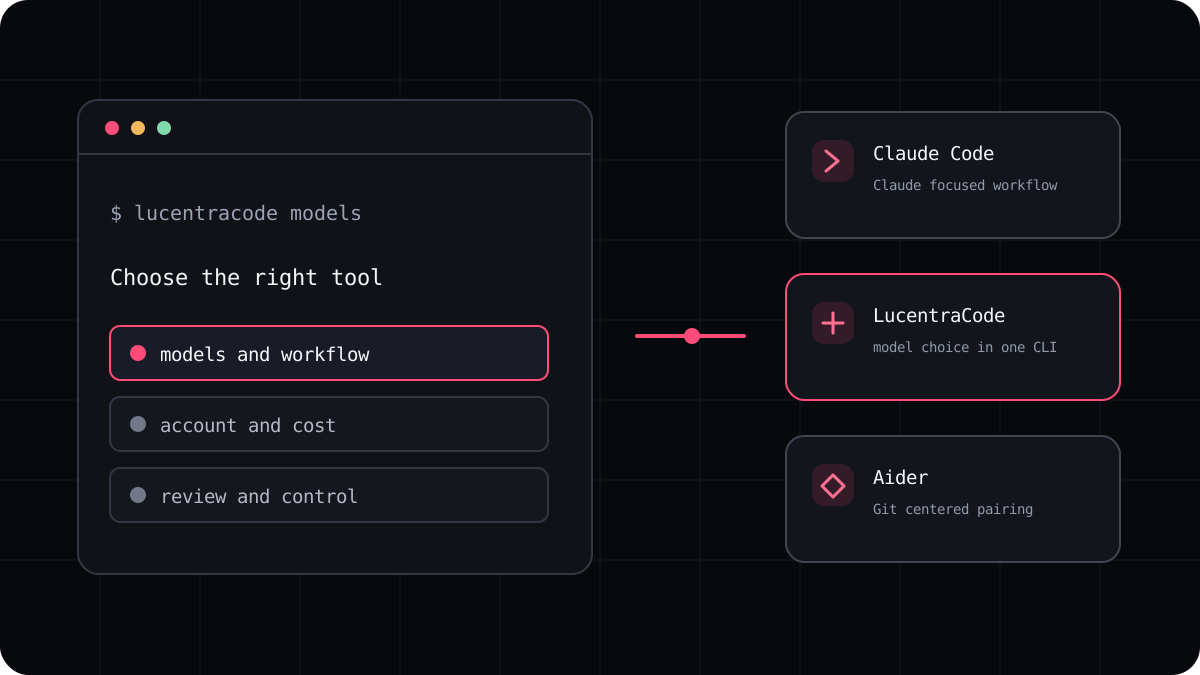
- Claude Code centers its coding workflow on Claude models.
- OpenCode lets you configure supported model providers in its own workflow.
- Aider focuses on pair programming in a local Git repository and supports a range of model connections.
- LucentraCode offers a managed terminal workflow with multiple models subject to availability and plan conditions.
Separate access from the command line
An open source client does not always mean free model usage. Some tools connect to an account subscription, some use provider API keys, and some offer their own hosted plan. Each route has different limits, privacy terms, and billing details.
Before you switch, find out how the tool authenticates, whether model access is bundled, where usage is recorded, and what happens at a limit. If your team needs a particular model, verify that it is available under the account you plan to use.
Compare on your repository
Choose a task small enough to review in one sitting. A useful example is adding a test for an existing defect, fixing the code, and running the relevant test command. Start each candidate from the same commit. Keep the prompt and project instructions consistent.
Review the result for correctness, unnecessary edits, and how clearly each tool reported its actions. A command line agent should save time without making it difficult to understand what changed.
- Write acceptance criteria before opening a tool.
- Run the same task and test command with every candidate.
- Record retries, limit messages, and human edits.
- Read the provider terms before comparing prices.
Choose for your account and your habits
Codex may remain the best fit if its OpenAI models, account setup, or wider coding surfaces are already part of your routine. OpenCode or Aider may make sense if you want to configure model access directly. LucentraCode belongs on the list if you want one terminal CLI with several available models and a published subscription structure.
There is no reason to move a working setup just because a comparison article says a different tool is best. Try a second option on real work, check what it costs, and keep the one that helps you finish tasks with confidence.