
Gemini CLI is an open source coding agent that brings Gemini into the terminal. If you are looking for alternatives, begin by checking which access path works for your account today. Product names can stay familiar while the plans, eligibility, and model access behind them change.
Check access before comparing features
A tool can remain available in a public repository while access through a free or consumer plan changes. Confirm whether your Google account, region, and intended use are supported. Read the latest project announcement and current setup instructions instead of relying on an older tutorial.
The same rule applies to every alternative. Confirm the model provider, plan, billing route, and usage limit you will actually use. A tool that worked for a colleague may behave differently under your account or country.
Shortlist by the job you need done
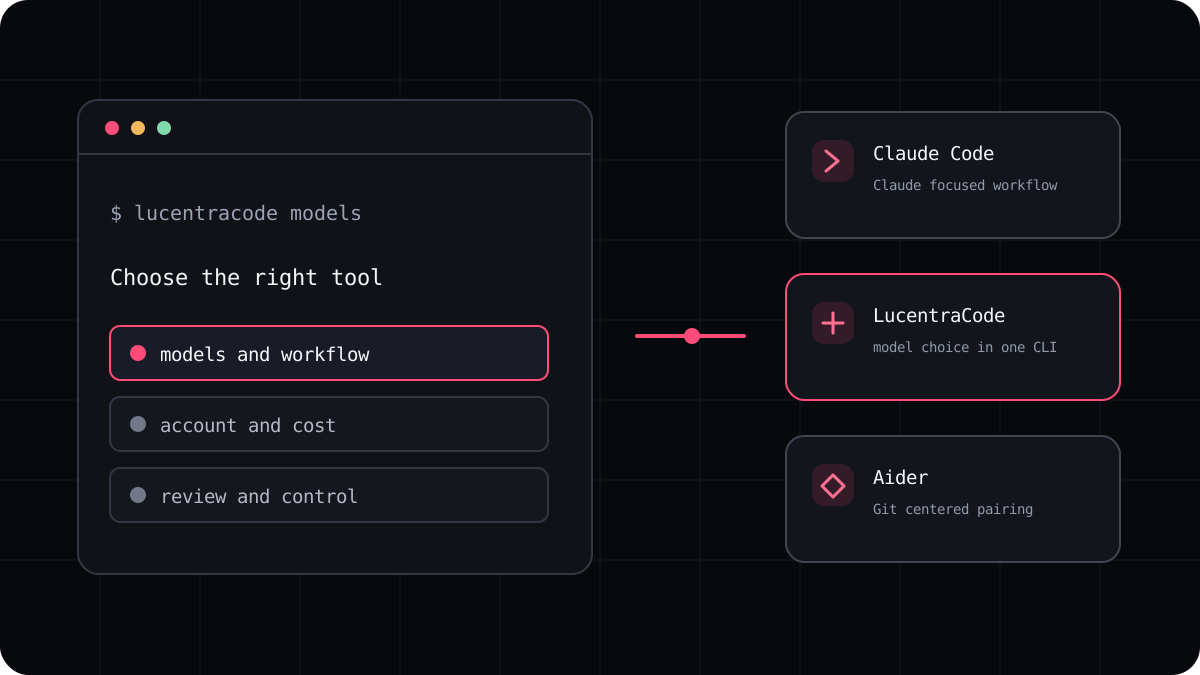
Claude Code is worth considering if you specifically want Claude in a terminal workflow. Codex is worth considering if your work and account are already centered on OpenAI. OpenCode and Aider give you other ways to connect model providers, with setup choices that you should review before connecting a project.
LucentraCode is a managed option for developers who want one terminal CLI with multiple available models and a published plan catalogue. Availability varies, so compare the live model list with the models your projects require.
Compare a real task, not a model label
Choose a small change in a repository you can restore. Ask each tool to inspect the relevant files, explain a likely fix, make the change, and run an existing test. Keep the starting commit and acceptance criteria the same.
Write down whether the agent found the right files, whether it preserved unrelated work, what happened when a test failed, and how much review you needed to do. Those details make an alternative decision much less theoretical.
- Verify that each account can access the model you want.
- Use a clean copy of the same repository for every run.
- Record tool versions, account terms, test results, and corrections.
- Repeat the test after a major provider or plan change.
Keep the comparison current
This category changes quickly. A guide should distinguish a tool that still receives code updates from an access plan that may no longer be offered to every user. Check official documentation before you install, sign in, or plan a team workflow.
If a candidate depends on an API key, include the provider price and usage controls in your decision. If access is bundled with a subscription, compare the subscription conditions and the other features you would actually use.