
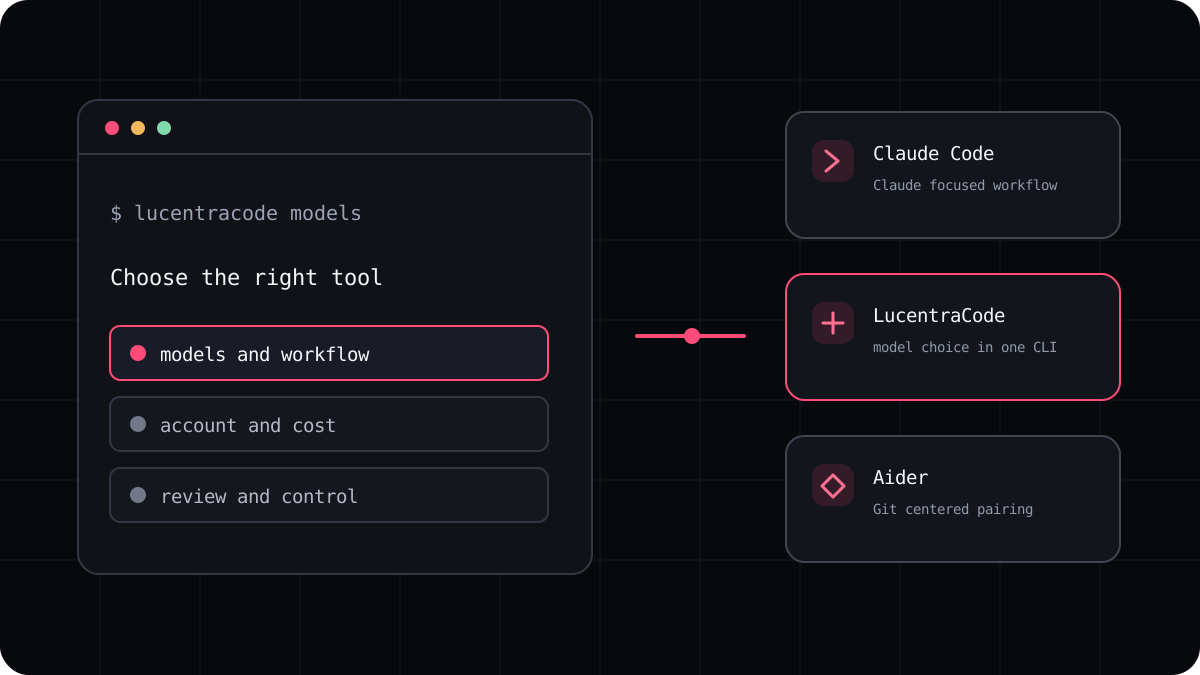
Claude Code and OpenCode both bring an AI coding agent into a terminal, but they give you different choices to manage. Claude Code is centered on Anthropic’s Claude experience. OpenCode documentation describes configuring supported providers and models. The useful comparison is not a generic score. It is which setup you want to own, how you prefer to pay, and which workflow makes your changes easiest to review.
The main difference is model and account choice
Claude Code is the straightforward option when you want Claude models and Anthropic’s supported account paths. You still need to understand whether your session is using a Claude plan or API billing because the usage rules differ. If you already rely on Claude, the familiar account and documentation may make setup simpler.
OpenCode gives you a configuration surface for providers and model identifiers. That can be useful when you want to change providers without changing the terminal interface. It also means you are responsible for configuring access and understanding the usage and billing terms of the provider you select.
| Question | Claude Code | OpenCode |
|---|---|---|
| Model setup | Claude centered product and access paths | Choose among configured providers and models |
| Account responsibility | Understand plan use versus API use | Manage provider credentials and each provider’s billing |
| Configuration | Anthropic documented commands and settings | Provider, model, agent, and permission configuration |
| Best first test | A task that uses your usual Claude workflow | The same task with your chosen provider and model |
Compare review and permission behavior
Look at how an agent requests approval before running commands or changing files, what it can read outside the project, and how it presents the final diff. OpenCode documents configurable permissions for actions such as editing and running shell commands. Claude Code has its own permission and security documentation. Read the current version for the exact behavior rather than assuming two permission labels mean the same thing.
For either tool, keep a clean Git checkpoint before a broad change. Ask the agent to plan first, then inspect the diff and run the project’s checks. A terminal agent can save time, but your review process is what decides whether a patch belongs in the codebase.
Who should choose which one?
Choose Claude Code if you want a focused Claude workflow and its account options already fit your work. Choose OpenCode if provider configuration is important to you and you are comfortable managing model credentials and costs. If you mainly want a different provider mix under one subscription, compare a managed multi model CLI as a third option rather than treating it as identical to either product.
LucentraCode offers one terminal interface with a list of supported models and published plan conditions. Check that list against the models you use, then trial the same task before changing your main workflow.
- Test a real bug fix instead of asking each tool the same trivia question.
- Compare model availability and billing through the account you will actually use.
- Check permissions, Git handling, and how the agent reports tests.
- Choose the setup you can explain and maintain, not the one with the longest feature list.
Keep the decision current
Model catalogues, provider integrations, and plan limits change. Use the links below for current product details and record when you made your comparison. For a broader shortlist, see the best AI coding CLI guide. For a Claude specific alternative, use the dedicated comparison page.