
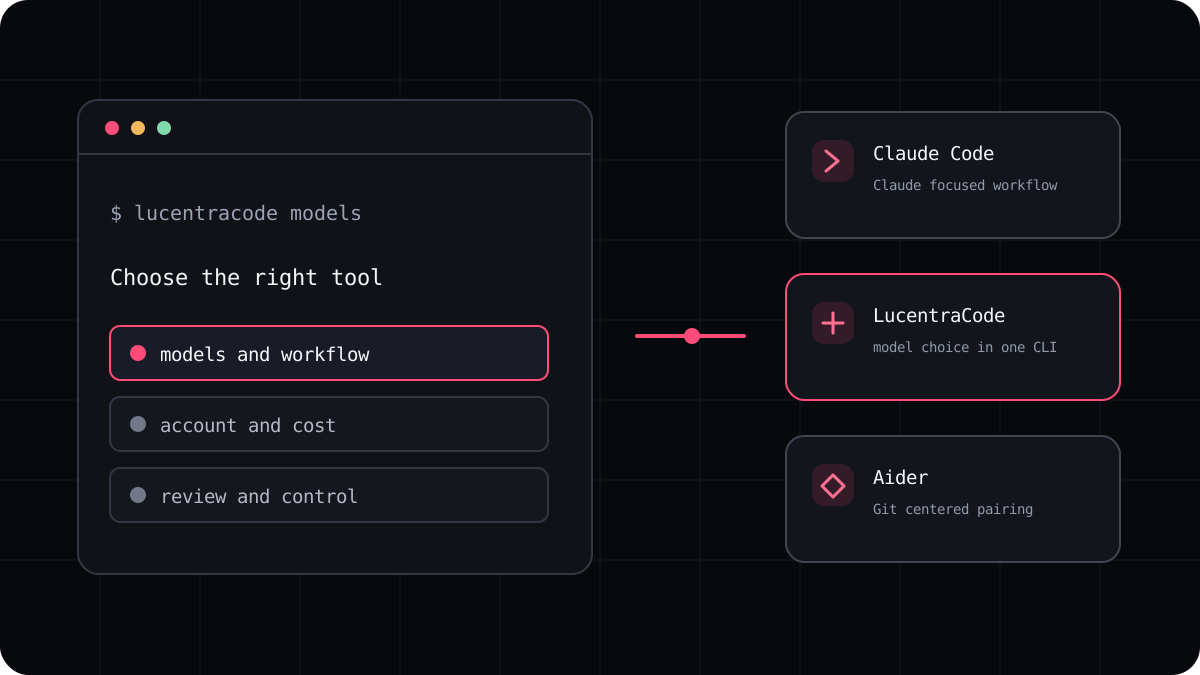
People searching for the best AI coding CLI usually want a short answer, but the right choice depends on how they build. Some developers want one provider’s agent in the terminal. Others want to choose a model, connect their own API account, or fit an agent into a Git routine they already trust. This guide compares those choices by workflow and points you to the details that can change.
A useful shortlist by the work you do
Claude Code is a natural place to start if you want Anthropic’s Claude focused terminal workflow. Codex CLI is worth comparing if you want OpenAI’s coding agent on your computer and already use a ChatGPT account or API key. Antigravity CLI is Google’s current command line agent experience, with plan based rate limits. OpenCode lets you configure supported providers and models. Aider centers its interaction around pair programming and Git.
LucentraCode is built for developers who want a terminal workflow with multiple available model choices through one CLI. It publishes its supported models and plan conditions. That is a different buying choice from configuring a provider key yourself, so compare the sign in path, available models, usage rules, and the way each tool handles a change before you switch.
| Tool | Worth a look when | Check before you commit |
|---|---|---|
| Claude Code | You want a Claude focused terminal agent | Which account path you use and how its plan limits work |
| Codex CLI | You want OpenAI coding help in a local terminal workflow | Plan access, API billing, approval settings, and operating system support |
| Antigravity CLI | You want Google’s command line agent and its current model access | Your account’s weekly limits and feature availability |
| OpenCode | You want to configure supported model providers yourself | Provider setup, model access, and the account that receives the bill |
| Aider | You want a Git centered pair programming routine | Its supported model connection and commit behavior |
| LucentraCode | You want model choice within one managed coding CLI | Live model list, plan terms, region, and permission settings |
The five minute test that beats a feature list
Use a small task from a repository you can safely inspect. Ask each tool to locate the likely files, explain a plan, make one narrow change, and run the relevant check. Give the same starting state and acceptance criteria to every tool. A good trial shows whether the agent understood your project and whether its change is easy to review.
Keep notes on setup time, model choice, retries, commands run, the final diff, and any limit message. Do not score a tool as faster because it wrote code before checking the project. Count the time you spend correcting the result as part of the workflow.
- Choose a bug or small improvement with a clear pass condition.
- Give each agent the same project state and task description.
- Review the changed files and run the same check yourself.
- Compare accepted work, setup friction, usage, and review effort.
How to read a coding CLI comparison
A model name alone does not describe an agent. Check whether it can inspect the repository, edit files, run commands, show a diff, and ask before higher impact actions. Check how you authenticate, where usage appears, and what happens when a limit is reached. These details shape the everyday experience as much as the model does.
Benchmarks can help when the task, model version, settings, and evaluation method are published. They do not tell you how a tool will handle your private repository, conventions, or test suite. Treat a universal winner claim with caution unless the comparison explains its methods and limitations.
A practical next step
If you are comparing Claude Code with another workflow, begin with the Claude Code alternative guide. If your main question is cost, read the current plan terms and compare a task you actually do. LucentraCode belongs on the shortlist when its supported models and managed terminal setup match the way you work.
The goal is not to collect the most tools. Keep the CLI that helps you finish work you can understand and maintain.