
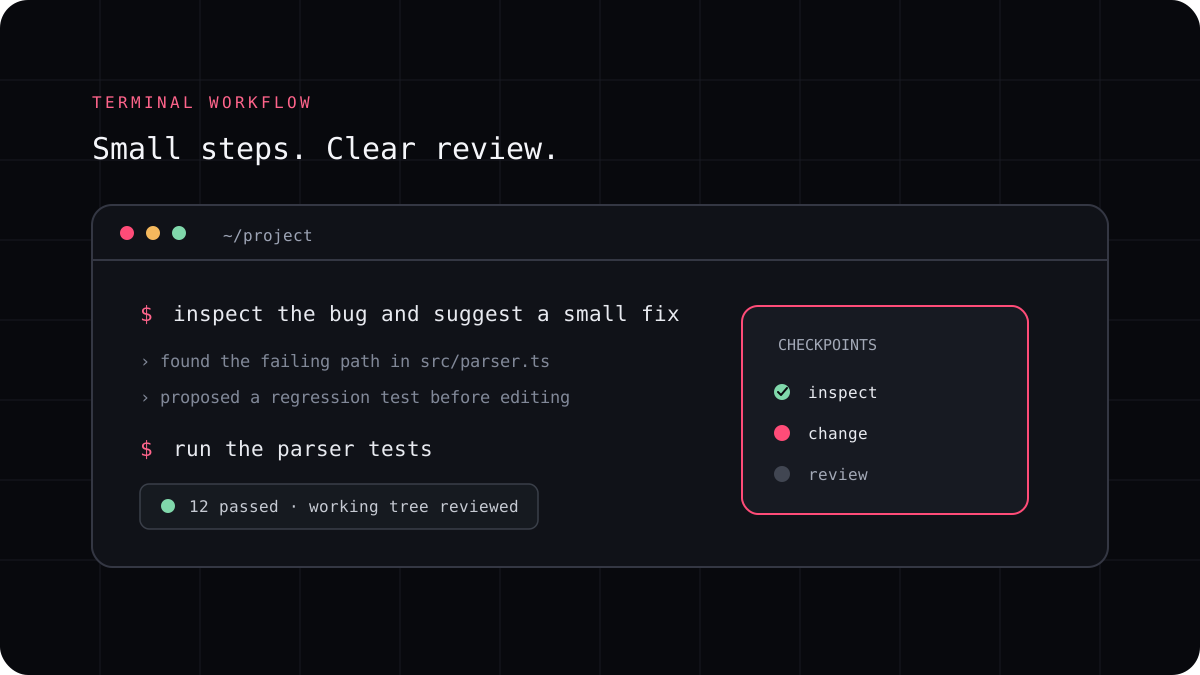
An AI coding CLI and an IDE assistant can both help you write code, and some products offer both experiences. The difference is usually where you work and how much of the development loop the agent can handle. An editor assistant keeps help beside the file you are editing. A terminal agent can work through a repository task, run project commands, and report a set of changes for review.
The editor is close to the code you are touching
An IDE assistant is convenient for explaining a function, completing a small block, or making a focused change while you stay in the editor. It can be a good fit when you are already navigating the project and want help at the current cursor or file.
A familiar editor also makes it easy to watch each change. The tradeoff is that a task spanning several modules, project commands, or repeated test runs may require more steering across separate interactions. Many IDE agents can do more than autocomplete, so check the capabilities of the product you actually use.
A terminal agent can work through a project task
A CLI agent starts from a project directory and can be asked to inspect files, edit code, run tests, and summarize a task. That makes it useful for a bug that crosses a few files, a test update, or a focused refactor. It also means you need to understand its command permissions and be ready to review a larger diff.
LucentraCode runs tasks from the repository and has commands for selecting a model or agent. You can try it alongside the editor you already use instead of treating the choice as a full migration.
| Task | Good first surface | Why |
|---|---|---|
| Explain one function | IDE assistant | You are already looking at the relevant code |
| Fix a bug across several files | Terminal agent | The agent can inspect the project and run its checks |
| Generate a small inline expression | IDE assistant | The change is local and easy to review in place |
| Update tests and report the result | Either one | Choose based on where your test command and diff review fit best |
You do not have to choose only one
A practical workflow often uses both. Ask an editor assistant to explain a small section while you are learning it. Use a CLI agent when the job becomes a repository level task. Keep Git as the shared checkpoint and decide which changes are ready to keep after reviewing the diff.
Avoid sending the same task to multiple agents at once unless you have isolated copies of the project. Two agents editing the same working tree can overwrite changes or make it unclear which result passed your checks.
- Start with the tool that best matches the size of the change.
- Ask for a plan if the agent needs to touch more than one area.
- Run the relevant checks and inspect the final diff.
- Move to another surface only when the task needs capabilities you do not have.
Try a terminal task without leaving your editor
Install the CLI, sign in, and run a small task from a disposable branch or a project copy. Keep your editor open so you can inspect the diff as it changes. This is a low effort way to learn whether a repository agent complements your current setup.
Compare setup, model choice, usage, and review time. The best mix is the one that helps with your real work without making the result harder to understand.