
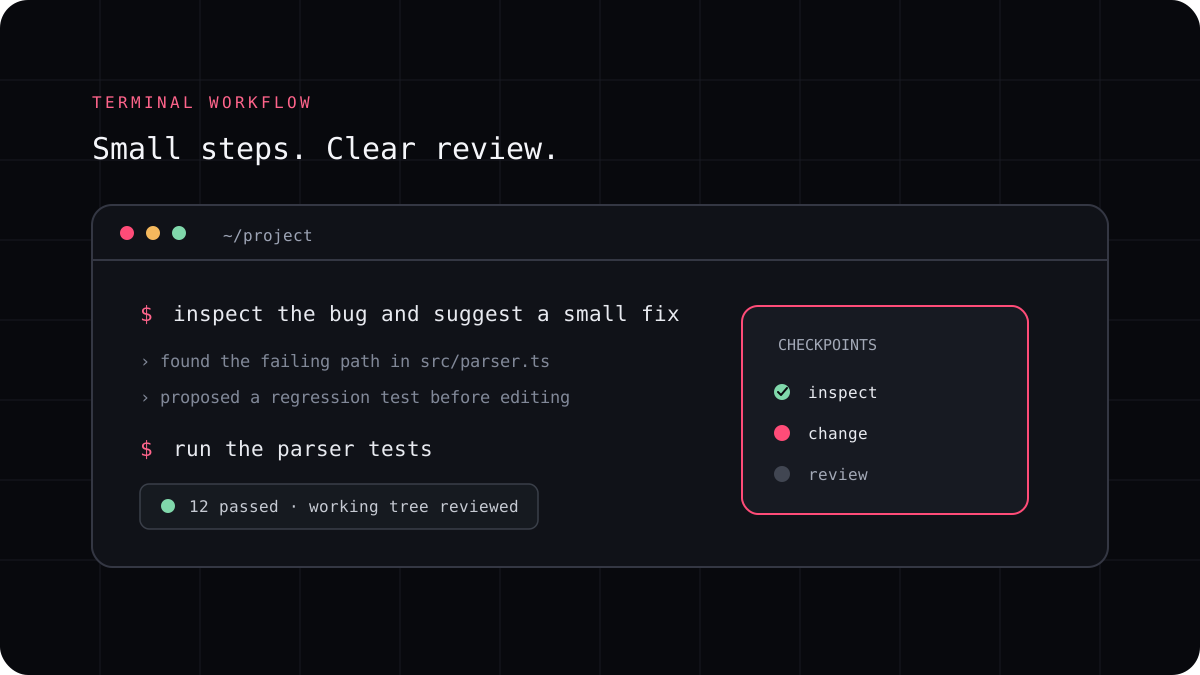
An existing codebase has conventions, dependencies, tests, and decisions that may not be obvious from one file. An AI coding CLI can help you explore it, but it needs a well scoped task and a careful review process. Begin by making the current project state easy to restore.
Protect the work already in the repository
Check the current Git status before starting. Commit or otherwise record work that you need to keep. If the change is experimental, create a branch or a disposable copy. This makes it easier to separate the agent’s edits from your own.
Tell the agent which files or behavior are in scope. If there are local instructions in the repository, make sure they are current and describe the project accurately. Old instructions can lead an agent toward obsolete commands or patterns.
Ask for orientation before edits
Start by asking the CLI to identify the relevant modules, tests, and conventions. Ask it to explain what it found and what it still does not know. This gives you a chance to correct a wrong assumption before code changes begin.
For a larger request, ask for a short plan with the files it expects to touch and the checks it intends to run. A plan is not proof of correctness, but it makes the agent’s next step easier to supervise.
A prompt to adapt
Inspect this repository for the smallest set of files related to the issue I describe. Do not edit anything yet. Explain the current behavior, name the relevant tests, and list any assumptions you would need to verify.Give one change at a time
A request that combines a redesign, a data migration, and a broad refactor can hide mistakes. Split work into changes with separate acceptance criteria. Ask the agent to preserve public behavior unless you explicitly want it changed.
When it finishes, read the diff and compare it with the original request. Look for unrelated files, generated artifacts, updated snapshots, or broad formatting changes that were not needed.
Run the project checks yourself
Ask the agent to report the exact commands it ran and their results, then run the relevant checks yourself. A tool can report that a command succeeded while a different test was needed for the behavior you care about.
A good session ends with a clear summary of changed files, passing checks, remaining risks, and anything you still need to review. That record helps you continue the work later.
- Record the starting Git state.
- Ask for repository orientation before editing.
- Limit the task to one reviewable change.
- Inspect the diff and run the relevant checks.