
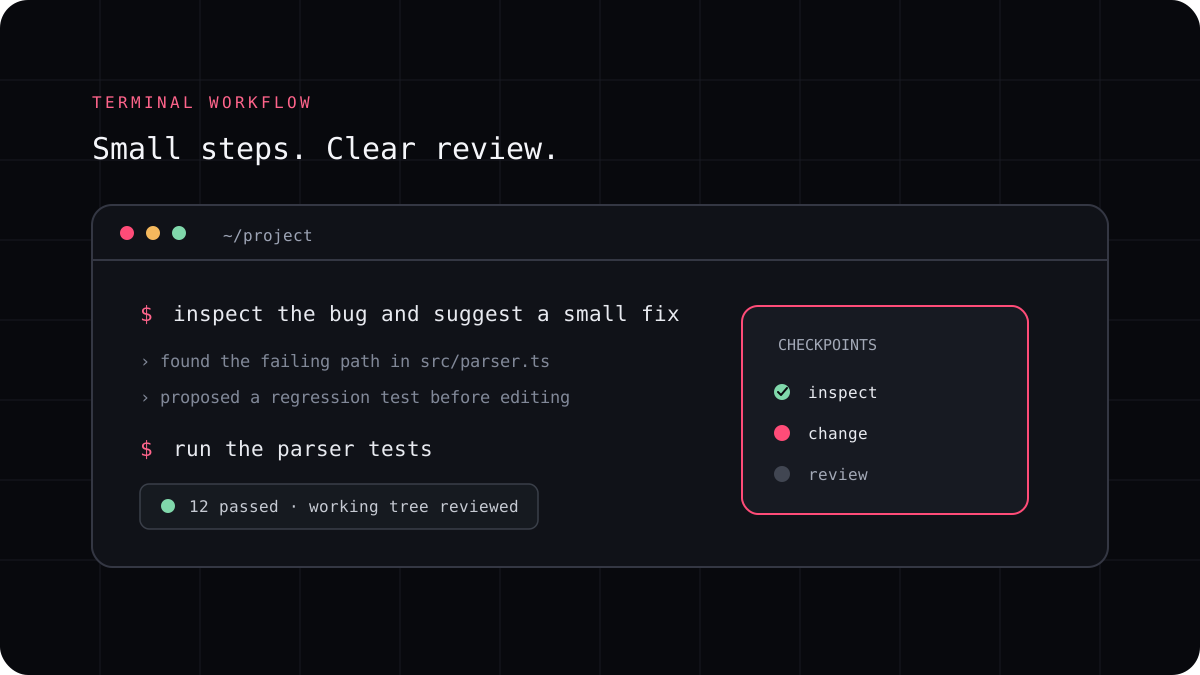
An AI coding agent can help trace a bug through a repository, but a convincing explanation is not the same as a verified fix. Give the tool evidence, ask it to reproduce the behavior, and make the regression test part of the solution.
Bring a useful bug report
Describe what you expected, what happened instead, and the smallest way to reproduce it. Include the relevant error message or input when you can. Remove credentials and private user data before sharing logs with any service.
A vague prompt such as “fix everything that is broken” gives the agent too many possible directions. A small, observable failure lets you tell whether the proposed fix addresses the actual problem.
Reproduce before changing code
Ask the agent to trace the behavior and identify a test that currently demonstrates the failure. If there is no test, ask it to create one before modifying the implementation. Read the test so you know it fails for the right reason.
When reproduction is impossible, the tool should say what evidence is missing. Do not let it replace uncertainty with a confident guess. Find a representative input or narrow the report before continuing.
A prompt to adapt
Trace this bug from the report to the relevant code. First propose a regression test that demonstrates the reported behavior. Do not change the implementation until the test fails for the expected reason.Make the smallest fix that explains the evidence
Once the failure is clear, ask for a targeted change. The fix should explain why the old behavior occurred and why the new behavior is correct. Avoid unrelated cleanup because it makes the patch harder to review and makes a regression harder to locate.
If the agent proposes a large change, ask what requirement each part serves. A smaller patch is not always right, but every changed line should have a reason connected to the bug or its test.
Verify the patch and keep the evidence
Run the regression test, nearby tests, and any relevant type or lint checks. Inspect the diff for changed behavior outside the bug report. If the test passes only because it was weakened, the issue has not been fixed.
Keep the reproduction steps and test result in the issue or pull request. That gives the next developer a concrete way to verify the fix and helps prevent the bug from returning.
- Record the failing input and expected result.
- Add a regression test and confirm that it fails first.
- Apply a narrow fix and rerun the test.
- Review the diff and relevant checks yourself.