
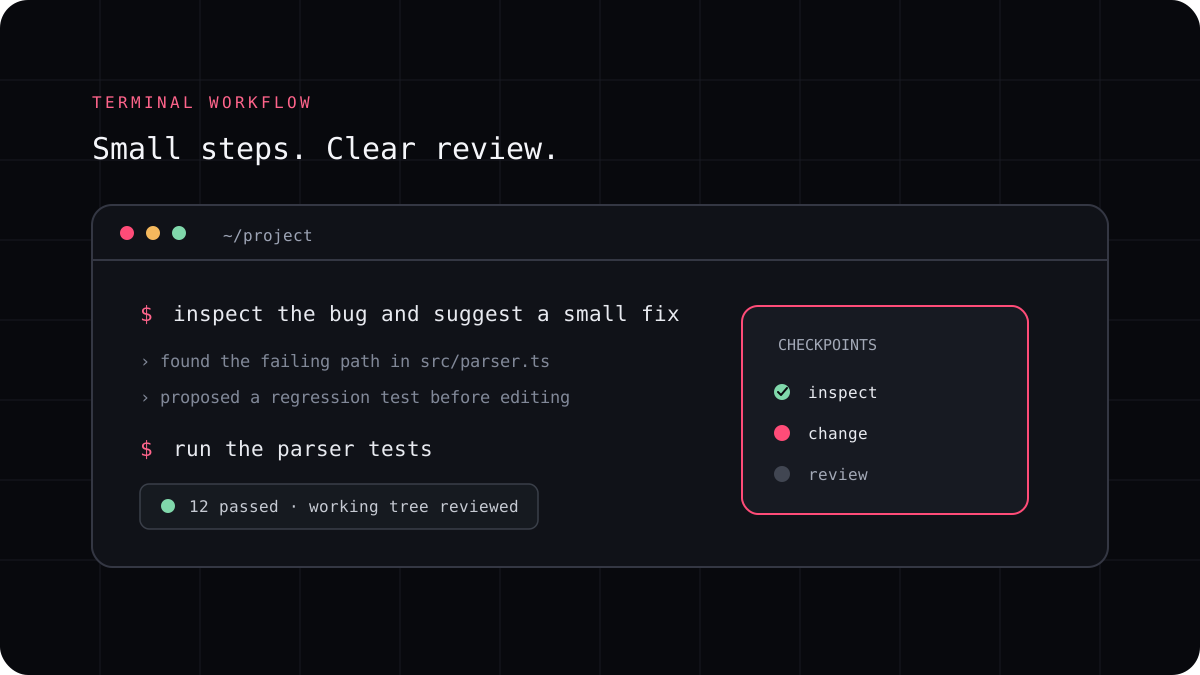
The best AI coding CLI is the one that fits the way you work on real projects. A good choice makes it easier to understand a codebase, make a change, and review the result. This guide helps you shortlist tools without getting distracted by product claims that do not match your needs.
Describe your everyday tasks
List the work you expect an agent to help with. Common examples include explaining an unfamiliar module, fixing a defect, writing tests, updating documentation, and making a small feature. Decide which tasks need a particular model and which simply need a reliable workflow.
If you are new to coding agents, start with a task that has a clear boundary and a test you already understand. A narrow trial gives you a better sense of the tool than asking it to rebuild an entire application.
Check access, privacy, and control
Find out which account pays for usage, what models are available, and how project data is handled. Check whether the tool asks before running commands or making changes. A coding agent can work quickly, so it should also be easy for you to stop it and inspect its plan.
For work repositories, review your organization’s rules before connecting a new service. Confirm whether a provider account is permitted and which data retention or training terms apply.
Test the workflow before switching
Use the same repository and task with each finalist. Notice whether the agent finds the relevant code, whether its edits are localized, and whether its test command is appropriate. A polished conversation is useful, but the patch and the explanation are what you need to review.
Track setup and correction time as well as output quality. If a tool makes you repeat instructions or rebuild context every session, that friction belongs in the comparison.
- Write a task with clear acceptance criteria.
- Give each candidate the same starting point.
- Review every changed file and run the expected checks.
- Compare the total workflow, account, and cost.
Make a shortlist that fits
A provider specific CLI can be a good choice when you know which model you want. A configurable tool can suit you when you prefer to manage provider access yourself. A managed multi model CLI can help when one terminal workflow and several available model choices matter to you.
LucentraCode is one candidate in that last group. Review its supported model list, current regional plans, and usage conditions before a trial. The right answer depends on the projects you will use it for.