
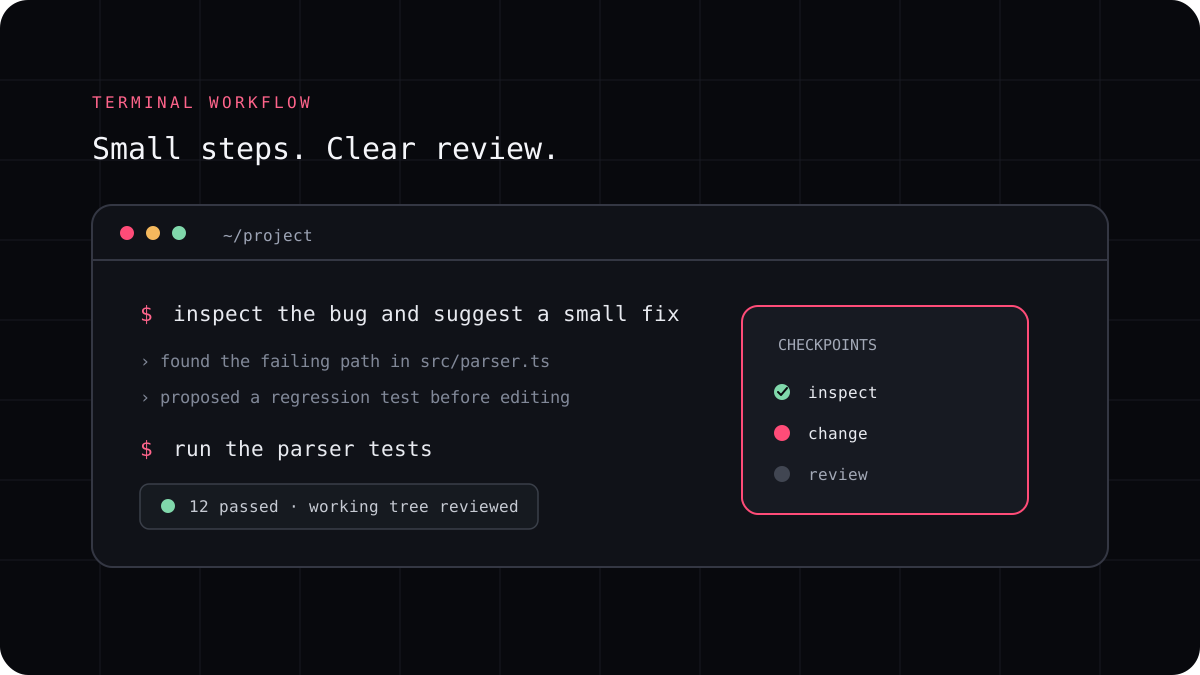
Context engineering is the practical work of deciding what an AI coding agent should know for a task. That can include the request, project rules, relevant files, recent tool output, and a definition of success. More context is not always better. The aim is to help the agent find the right parts of a codebase and leave irrelevant details out of the way.
Give the agent the details that affect correctness
A useful task brief states the behavior to change, the behavior to preserve, the part of the project that owns it, and how you will verify the result. A screenshot, error message, failing test, or example request can remove guesswork. If the agent needs to follow a local convention, point to the file that documents it instead of assuming the convention is obvious.
The agent can search a repository and collect context through tools, but a clear starting point makes that search more useful. Name the package, route, function, or command that matters when you know it. Ask the agent to explain what it found before making a broad change if the task has unclear boundaries.
A prompt to adapt
Goal: add [observable behavior].
Keep: [existing behavior or constraints].
Start with: [file, package, or error].
Check: [test or command].
Before editing, summarize the likely files and any uncertainty.
Use repository instructions for decisions that apply repeatedly
Project instructions are a good place for information that stays true across tasks, such as how to run checks, where an API boundary lives, or which generated files should not be edited. Keep them short enough to review and specific enough to guide real work. A root file can point to more focused instructions for a package or file type.
Do not use instruction files as a substitute for a test, access control, or a required approval. They guide an agent, but they do not enforce a rule against a command or a change. Put mandatory restrictions in the permission system, build pipeline, or repository controls that actually enforce them.
Keep the working context focused as the task grows
Long coding sessions collect plans, file reads, logs, and previous attempts. Some of that history stops being useful after the task changes. Ask for a short summary of decisions, current state, open questions, and the next check before starting a fresh session or continuing after a long pause.
A large context window does not make every file relevant, and it does not provide unlimited monthly usage. Link context to the task, exclude secrets and unrelated customer data, and ask the tool to name what it could not inspect. Those habits make errors easier to find and usage easier to understand.