
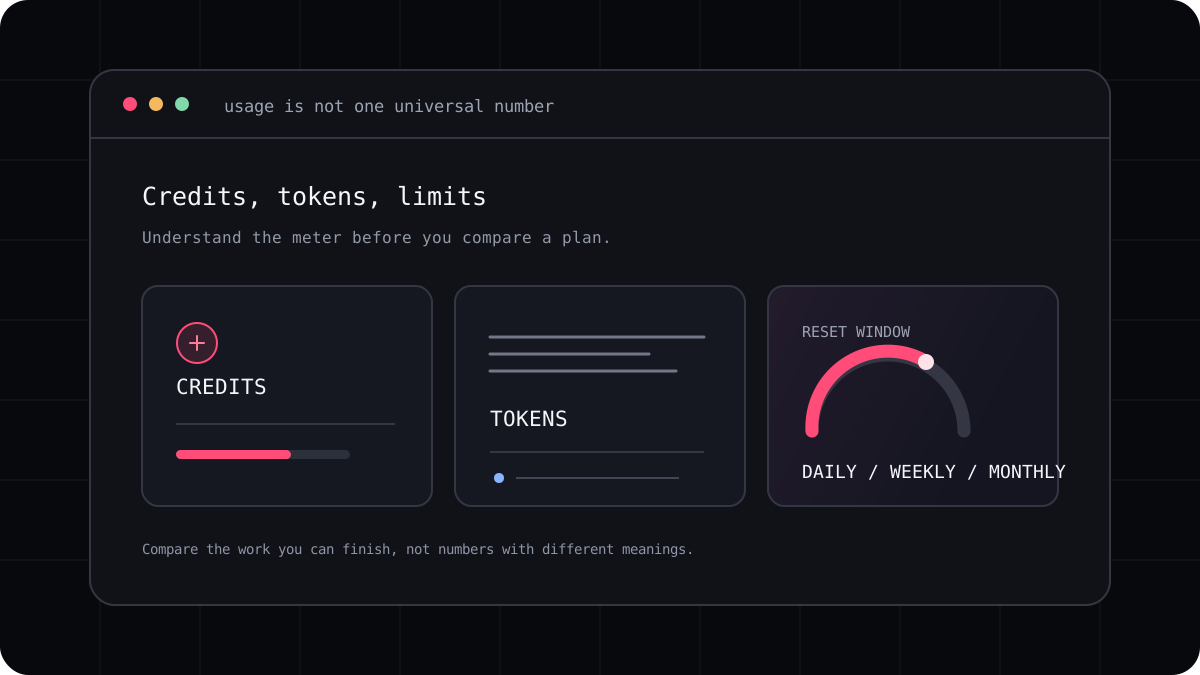
When developers ask which AI coding tool has the most tokens, they may mean two different things. They may want to know how much code a model can consider in one conversation, or how much they can use before a plan limit or bill arrives. The first is called context capacity. The second is an allowance or usage limit. A large number in one column does not answer the other question.
A context window is not a monthly quota
A context window is the maximum amount of conversation and project information a model can consider at one time. That can include your instructions, code, previous turns, tool output, and the model’s internal reasoning or response budget, depending on the product. A monthly allowance describes how much use your account can make over a longer period.
Think of a context window as the size of a workbench and a usage allowance as the time or material available for the month. A large workbench lets you spread out more files at once. It does not mean you can run an unlimited number of sessions or that every coding tool will automatically load the whole repository.
| Model access example | Published context information | What the number does not tell you |
|---|---|---|
| Gemini 4 Argon API | A shared context window of 1,048,576 tokens | How much free Antigravity or another plan usage you receive |
| GPT 6.1 Sol in ChatGPT Work and Codex | A default context window of 500,000 tokens | Whether your plan includes unlimited long coding sessions |
| Selected Claude models on Amazon Bedrock | A 1 million token context window for listed models | Whether that model and context size are enabled in your Claude Code account |
The coding agent may use less than the model can hold
A CLI can choose which files to read, summarize older turns, or retrieve only the relevant parts of a repository. That behavior depends on the agent, model, settings, and project. A published model limit is not proof that a particular coding tool will send that much context on every turn.
A big context can help when a change crosses many files or needs careful background. It can also make a session more expensive in a token billed product. Better context selection often beats loading everything. Ask the agent to identify the files it needs and explain why before asking it to make a broad change.
- Check the model documentation and the coding product documentation separately.
- Confirm whether the stated figure covers input only or input and output together.
- Check if the context size is available on your chosen account and plan.
- Measure what your CLI actually sends instead of assuming it fills the entire window.
Which matters more for your project?
For a small bug fix, model quality, repository access, and clear tool permissions can matter more than a huge context window. For a migration across a large codebase, the ability to locate relevant files and preserve architecture may matter more than the maximum number printed in a model table.
For budget planning, inspect the allowance, model rates, reset period, and extra usage rules. For repository work, try a task that crosses a few real modules. Keep the result, review quality, and usage record together. Those details tell you whether a large context is helping you rather than just sounding impressive.
A quick comparison checklist
Before subscribing, write down the product, model, context limit, plan allowance, and any overage. Mark which values come from the model provider and which come from the interface you will actually use. If the product does not publish a number, do not fill the gap with a guess from another endpoint.
This distinction also keeps comparisons fair. A model API context window, an app builder token pool, and a subscription’s monthly credit allowance answer different questions. Compare like with like, then test the workflow that matters to you.