
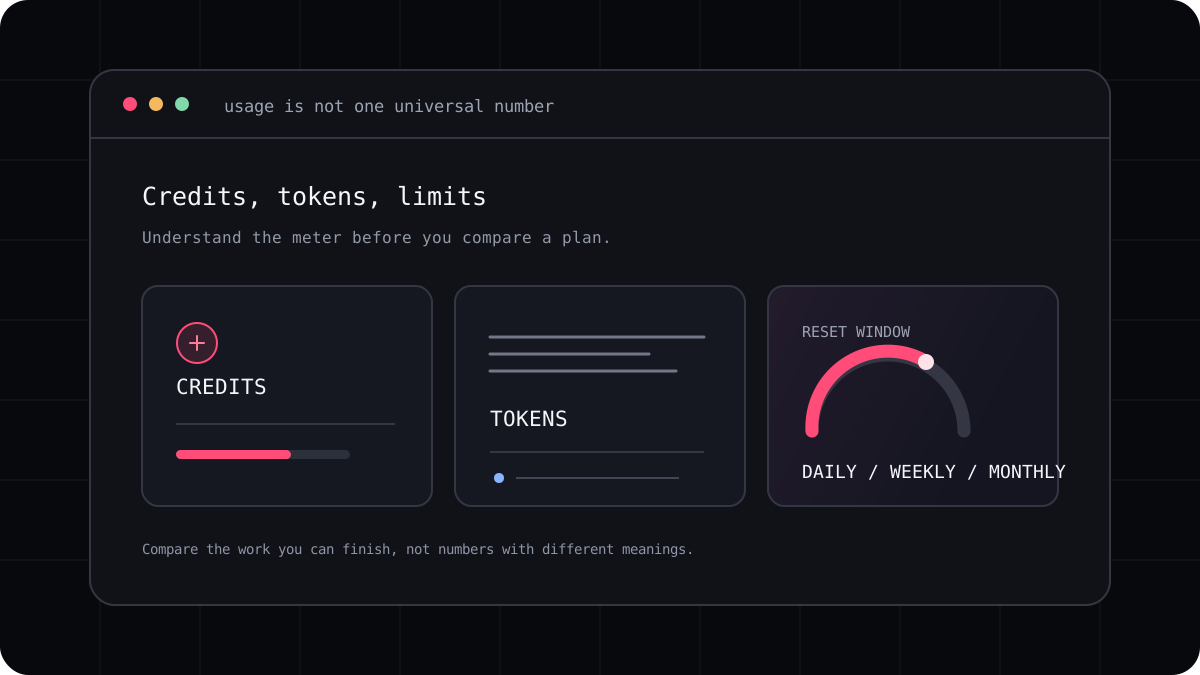
There is no universal number of AI coding credits that fits every developer. A person who asks occasional questions about a small project has a different month from someone running long coding sessions across a large repository. Providers also define credits, requests, tokens, and reset periods differently. Estimate from your own usage history and check what each plan actually measures.
Start with a normal week of work
Write down the kinds of tasks you actually run: small edits, debugging, tests, code review, and larger changes across files. For each session, record the model or mode, how often you used it, whether the task needed retries, and the usage value shown by the product. Include days when you did not use the agent.
A week is a better starting point than one impressive build. It captures routine questions and the occasional long task. Repeat the record for more than one week if your work changes a lot between feature development, maintenance, and release periods.
Use the plan’s own unit
A provider may meter tokens, a product may deduct credits, and a subscription may use a rolling request limit. These values are not interchangeable. Check whether the model, cache activity, parallel sessions, or extra usage draw from the same pool, and when the allowance resets.
If you have an API bill, review the model level usage record and price schedule. If you have a subscription, check its current account usage page and terms. Do not infer that a plan with a larger credit number provides more coding work unless both products define and measure those credits the same way.
| Question | Why it matters |
|---|---|
| What does one credit represent? | Some products count different models or actions at different rates |
| When does usage reset? | A daily, weekly, or monthly pool changes how much work fits |
| What happens at the cap? | Work may pause, switch models, or create an added charge |
| Does the allowance vary by region or plan? | The same product name may have different conditions |
Choose a little headroom without guessing
Use your typical week as a baseline, then look at your busiest recent week. If a deadline, release, or side project is coming, include the extra sessions you expect. This is a planning estimate, not a promise that the same allowance will produce the same work on another model or task.
LucentraCode publishes plan conditions and a model list. Confirm the exact plan, region, and model before subscribing, then check your own usage after a week. If you regularly hit a limit, record which tasks use the allowance and decide whether a different plan or a different workflow solves the problem.
- Track several normal sessions and one demanding task.
- Record the model and provider defined usage unit.
- Compare the reset schedule, model limits, and overage rules.
- Revisit the estimate when your project or model changes.