
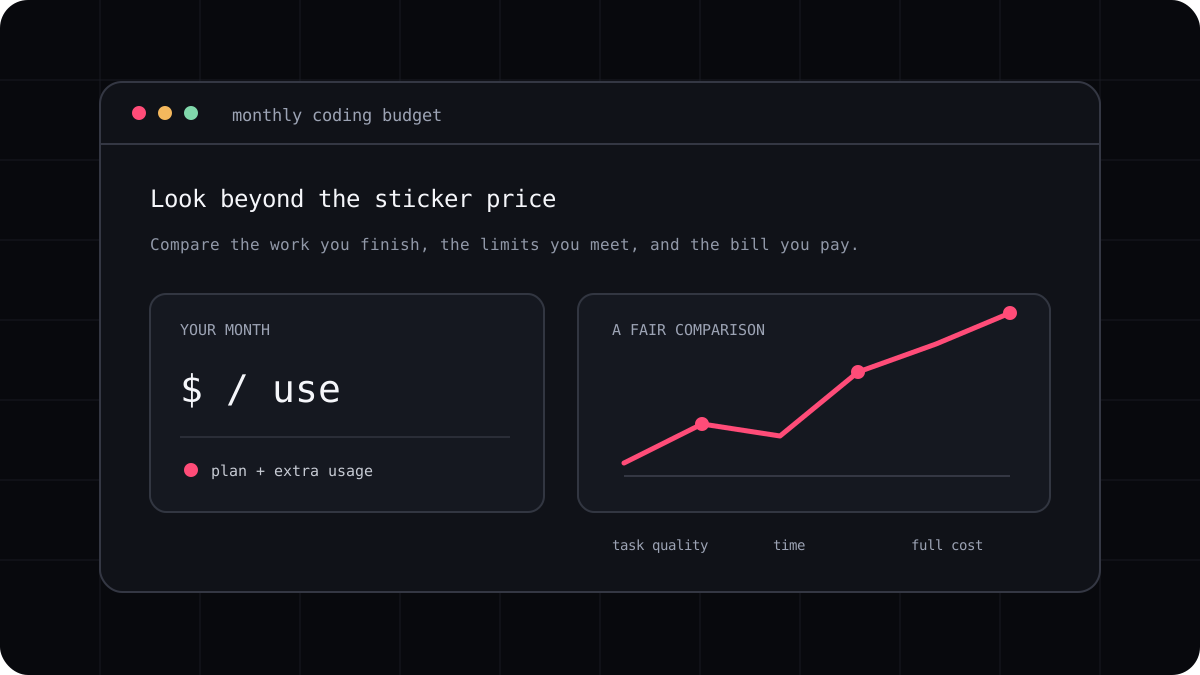
The price of one AI coding task can be hard to spot on a monthly plan or a provider invoice. A single feature may involve several model calls, file reads, tool results, retries, and a developer review. Measure the whole path to an accepted change and keep the product’s usage unit visible instead of forcing every plan into an artificial token estimate.
Define the task before you measure it
Choose a small task with a clear end point, such as fixing a reproducible bug and adding a regression test. Save the starting commit and write down the check that will show whether the change works. If the task keeps changing, its cost cannot be compared with another run in a meaningful way.
Count only a result that meets the acceptance check and is safe to review. A response that produces code but leaves a failing test is not a completed task. Include the time a person spends correcting or rejecting the patch when you compare the real effort involved.
| Measure | What to record |
|---|---|
| Model usage | Input, cached input, cache writes, output, or the product meter |
| Retries | Additional requests and the reason each one was needed |
| Completion | Acceptance checks passed and changes accepted |
| Human effort | Time spent reviewing, correcting, or finishing the work |
| Plan cost | Subscription period, included usage, and any overage |
Calculate the provider billed portion carefully
For an API billed by tokens, apply the current model price to each reported token type. Do not treat cached input, new input, cache creation, and output as if they all have one rate. If you use a provider dashboard instead of raw usage fields, save the date and exact model so another person can reproduce the estimate.
For a subscription with credits or a rolling limit, record the unit the product actually displays. A monthly fee divided by accepted tasks can provide a useful personal average, but it does not show the marginal cost of one model call or guarantee the same amount of work next month.
Compare cost per accepted change
Repeat the task from the same repository state and compare the total spend with review time. If one tool uses fewer credits but requires twice as much correction, that may not be the less expensive workflow for you. If a task is performed often, measure a representative week rather than extrapolating from the easiest prompt.
LucentraCode has a cost calculator for comparing subscription spend with your own session assumptions. Use it as an estimate, then check the live plan conditions and the usage meter in your account. No calculator can determine the cost of a particular patch without its workload and account data.
- Choose a task with a clear acceptance check.
- Record every run, model, usage unit, retry, and review correction.
- Compare total spend per accepted task across repeated attempts.
- Keep the assumptions beside the result so it can be updated later.