
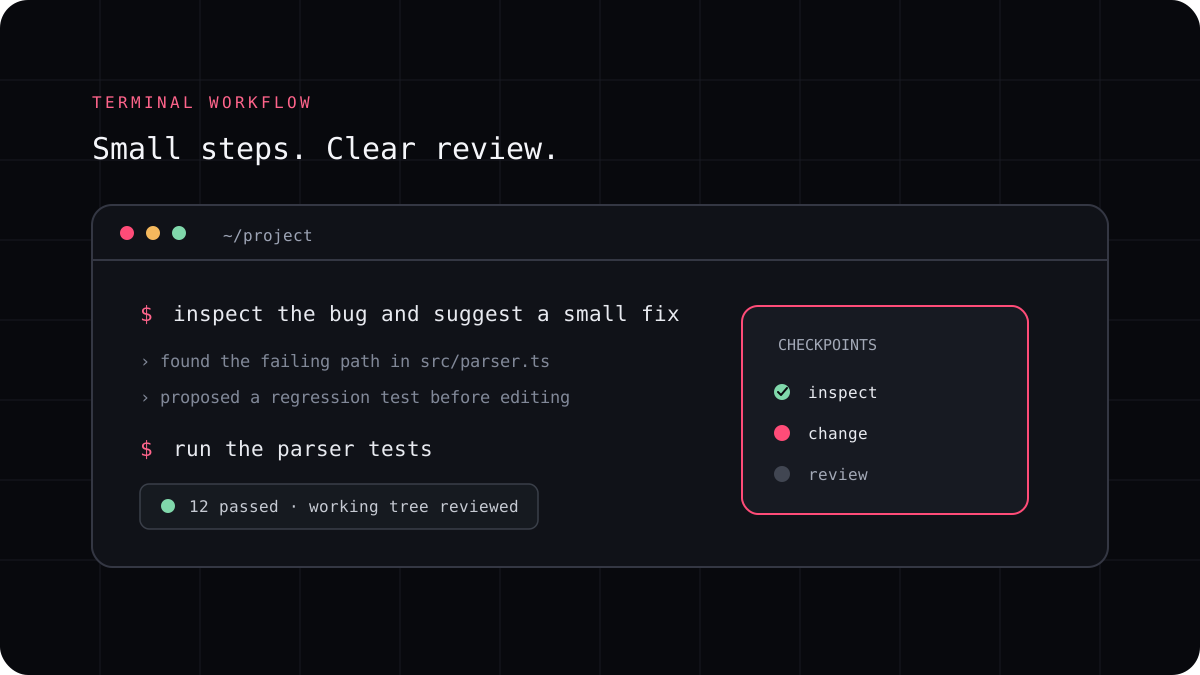
When a team starts using AI coding agents, the practical questions arrive quickly. Which repositories may be opened? What information can reach a model provider? Which commands may the agent run? How should its changes be reviewed? A clear team workflow answers these questions before an agent becomes part of daily work.
Agree on the work the agent may receive
Start with the data rules for your organization. A public sample project is different from source code that includes customer information, secrets, or confidential product plans. Check the privacy terms for the coding tool, the selected model provider, and any connected service. Make sure the specific account and plan match the rules your team has agreed to follow.
Give developers a simple path to confirm whether a repository is approved for a particular tool. If the answer depends on the data in a task, state what must be removed or replaced before the prompt is sent. Keep credentials out of prompts and repository instruction files.
Share stable project instructions
Keep durable guidance in version control where the team can review it. A root instruction file can explain the project architecture, conventions, and required checks. A package level file can add details for one part of a large repository. Review changes to these instructions just like other code because they can affect future agent work.
Keep personal preferences separate from shared requirements. The shared file should tell every developer what the project depends on, not preserve one person’s entire prompt history. Assign an owner who can update the instructions when scripts, boundaries, or checks change.
- Name the files and packages that hold core behavior.
- List verified commands for tests, builds, and formatting.
- Describe files that need special review or human approval.
- Remove guidance that no longer matches the repository.
Keep permissions and review responsibilities clear
Decide when an agent must stop and ask before editing files, installing packages, or running commands that affect external systems. An approval prompt is useful, but it is not a substitute for operating system isolation or access control. Give the process only the repository and credentials it needs, and use a disposable environment for higher risk experiments.
Treat agent output like a proposed change from a teammate. The developer who owns the task reads the diff, checks the result, and confirms what ran. A second review may be appropriate for production, security, data, or shared infrastructure changes. Automated review can find issues, but it does not own the merge decision.
Roll out with a small, measurable trial
Choose one repository and a few low risk tasks. Record setup friction, accepted changes, corrections, usage, and review time. Ask developers where the agent saves effort and where it creates more work. Change the team guidance based on examples rather than assuming one workflow suits every codebase.
LucentraCode has project configuration, security, integration, and plan information that teams can review when evaluating its terminal workflow. Confirm the current account terms, supported models, and configuration behavior against your team requirements before adopting it.
- Choose an approved pilot repository and a small set of tasks.
- Publish shared instructions and the required review steps.
- Record model, plan, usage, checks, and developer corrections.
- Review the trial with the team before expanding access.