
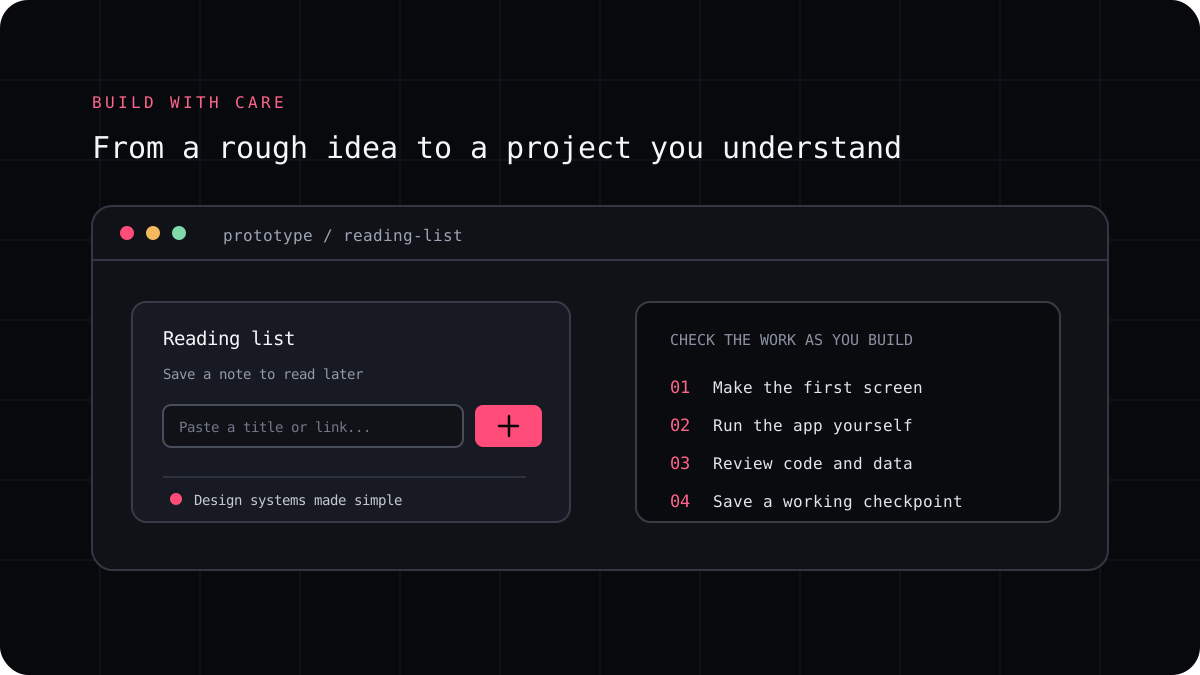
An AI coding CLI can help turn a web app idea into working code, but a single broad prompt often leaves important decisions unresolved. Start with one user and one useful flow. Ask the agent to understand the existing project, agree on a plan, and build the smallest version you can test before adding polish or extra features.
Turn the idea into a brief the app can satisfy
Write down who will use the app, what they need to do, and what a successful first version should show. Include a few example inputs, the expected result, and any data or accessibility requirements. Decide whether the first version needs a backend, account system, or database before asking an agent to invent one.
Ask the agent to inspect the repository and propose a small implementation plan. Confirm the framework, routes, data model, and files it intends to touch. If it is a new project, have it explain the setup choices and avoid adding packages without a reason.
A prompt to adapt
Build the first version of [app]. The main user is [person] and the first useful flow is [steps]. Keep [constraints]. Before editing, inspect the project and propose a plan. After the change, run [checks] and report exactly what passed and what remains.Build one complete flow at a time
Implement the main route and interaction first. Use representative data and check empty, invalid, loading, and error states instead of testing only the ideal case. Review the code as the agent works so a missing requirement does not spread across the app.
If the app stores user data or accepts logins, slow down before adding authentication or database rules. Ask for a threat and access review, but also verify the configuration with the platform documentation and tests. An AI generated interface can look finished while a backend permission is still missing.
Test before sharing or deploying the app
Run the project tests and build. Open the app in a browser and try the real user flow with valid and invalid inputs. Check the mobile layout, keyboard use, visible errors, and any links or forms that send data. Review new dependencies and make sure secrets are not bundled into browser code.
For a prototype, use a staging or preview environment and keep a way to roll back. Know which service hosts the frontend and backend, where user data is stored, and who can access the deployed app. Treat generated code as a starting point that still needs normal review.
Use the CLI as one part of the build process
A terminal agent can help inspect the project, make a contained change, and run the commands your repository already uses. Keep its permissions narrow and review every file it changes. If the app needs a design system, production data rules, or a compliance review, involve the people responsible for those decisions.
LucentraCode works from a project terminal and publishes its setup, model, and plan information. Start with a small feature in a project you can review, then decide whether the workflow suits the next stage of your app.