
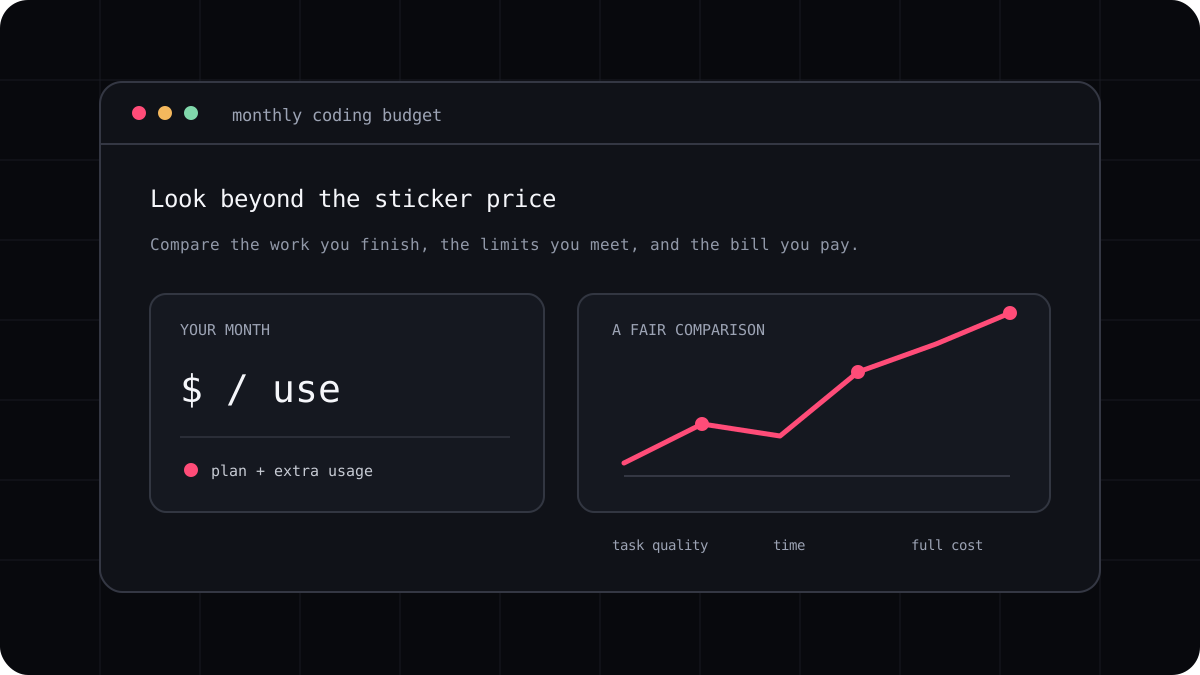
A coding agent is the tool you interact with. The subscription or API account is one way to pay for model access. Keeping those pieces separate makes it easier to understand a plan, avoid surprise charges, and decide how much setup you want to manage.
What a subscription usually means
A subscription charges a set amount on a schedule and gives you access under that product’s terms. The plan may include a coding agent, a chat product, a certain usage allowance, or several features together. Limits may be shared, reset on a schedule, or differ by model.
A predictable base charge does not mean unlimited use. Read what counts as usage, whether extra charges are possible, and what happens when a limit is reached. Check the renewal period and taxes as well as the headline price.
What API billing usually means
With an API account, the coding tool sends requests through a provider account that you configure. The provider charges for usage under its current rate card. This gives you direct control over provider selection and may suit occasional or automated work, but total cost depends on model, task length, and retries.
You are also responsible for credential storage and usage monitoring. For a team, that can be a sensible design if you already have a secure key management process. For an individual, it can be more setup than a managed subscription.
- A subscription makes the base payment easier to predict.
- API billing makes provider usage visible under your own account.
- Both can have limits, taxes, and account conditions.
- Neither one tells you how many accepted code changes you will get.
Ask these questions before connecting a tool
Find out whether the tool uses your existing subscription or requires a separate API key. Check who bills you, which account receives usage records, and whether data is handled under the same terms you already expect.
If a coding CLI manages model access inside its own plan, verify the available models and the exact usage limits. Do not assume that a subscription at one company can be used by a different client unless both providers explicitly support that route.
- Identify the account that pays for each request.
- Read the usage and data terms for the account you will connect.
- Set a budget alert or spend limit where the provider supports it.
- Test with a small task and inspect the usage record.
Which approach fits you?
Choose a subscription when you value a managed setup and a known recurring base charge. Choose API access when you want direct provider control, precise usage records, or automated scripts. Compare the complete product and workflow, because the lowest cost route depends on how often and how heavily you use it.
LucentraCode publishes its plan conditions on the pricing page. Read those terms and the model catalogue before deciding whether its managed terminal workflow suits your account needs.