
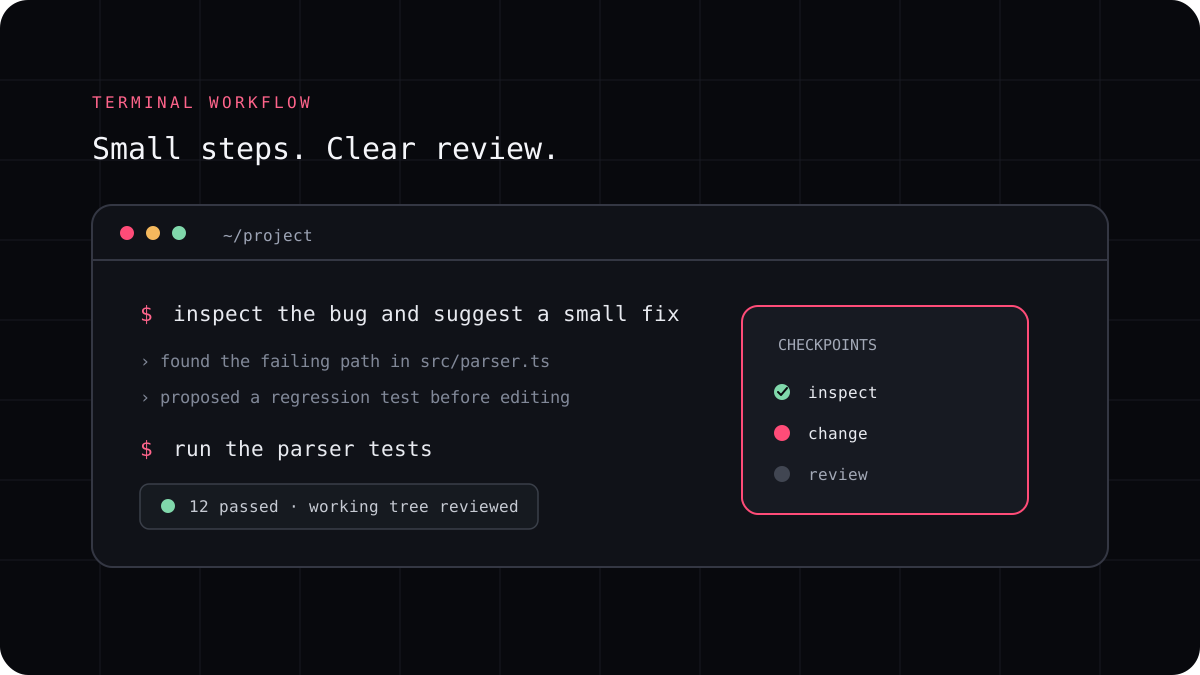
A monorepo can hold an application, shared packages, tools, and tests in one place. That makes it convenient to change related code together, but it also gives an AI coding CLI more files and commands to consider. The best results come from showing the agent how the packages fit together and naming the part of the repository that owns the request.
Give the agent a short map of the repository
Start by asking the CLI to inspect the root files, workspace configuration, and package scripts. Have it report which application or package seems responsible before it edits anything. A package list and dependency map are often more useful than asking an agent to read every file in a large repository.
If the repository uses pnpm, the workspace file can show which directories belong to the workspace. Other package managers have their own conventions. Keep the explanation tied to the project that is actually open, since a monorepo is not always organized under a packages directory.
| Repository fact | Why the agent needs it |
|---|---|
| Package or application name | It narrows the files and scripts to inspect |
| Dependencies between packages | A change in a shared package can affect its consumers |
| Local test and build commands | The agent can check the right scope before running everything |
| Generated or protected directories | The patch can avoid files that should not be edited by hand |
Name the change boundary and its exceptions
A request such as “update the account page” can be ambiguous when a monorepo has several apps. Name the application, route, package, or behavior involved. If the change belongs in a shared package, say which consumers rely on it and whether their behavior should remain compatible.
Do not make the boundary so strict that a required type or test update becomes impossible. Ask the agent to explain any file outside the named area before it edits it. This catches a wrong assumption early while leaving room for a real dependency change.
Run checks in the right order
Begin with the narrow check for the package that changed. Then check direct consumers when a shared API or component moved. Finish with the repository level build or test command required by the project. If the repo uses task caching or workspace filters, ask the agent to confirm the command syntax from the project files instead of guessing.
A passing package test is evidence about that package, not the whole monorepo. Record what ran, what did not run, and whether a broader check is still needed. Review lockfiles and generated outputs whenever a change touches dependencies or build tooling.
- Identify the owning application or package before editing.
- Confirm its scripts and the packages that depend on it.
- Run the focused test, then the checks required by the change.
- Review every changed path and the final workspace diff.
A prompt for a repository with many packages
Replace the bracketed details with names from your workspace. The first request is deliberately diagnostic so the agent can show that it found the right area before writing code.
A prompt to adapt
Inspect this monorepo before changing files. The task belongs to [application or package] and should produce [expected behavior]. Read the workspace configuration and relevant project instructions. Tell me which files and dependent packages you expect to touch, plus the focused checks you would run. Wait for my approval. After approval, make the smallest change, run those checks, and report any broader check that remains.Try it in a real workspace
LucentraCode can be run from the repository directory and its configuration can carry project instructions such as AGENTS.md. Check the current configuration guide for the supported instruction path, then test the workflow on a small package change with a clear acceptance condition. The goal is a focused change that fits the workspace and touches only the files the task needs.