
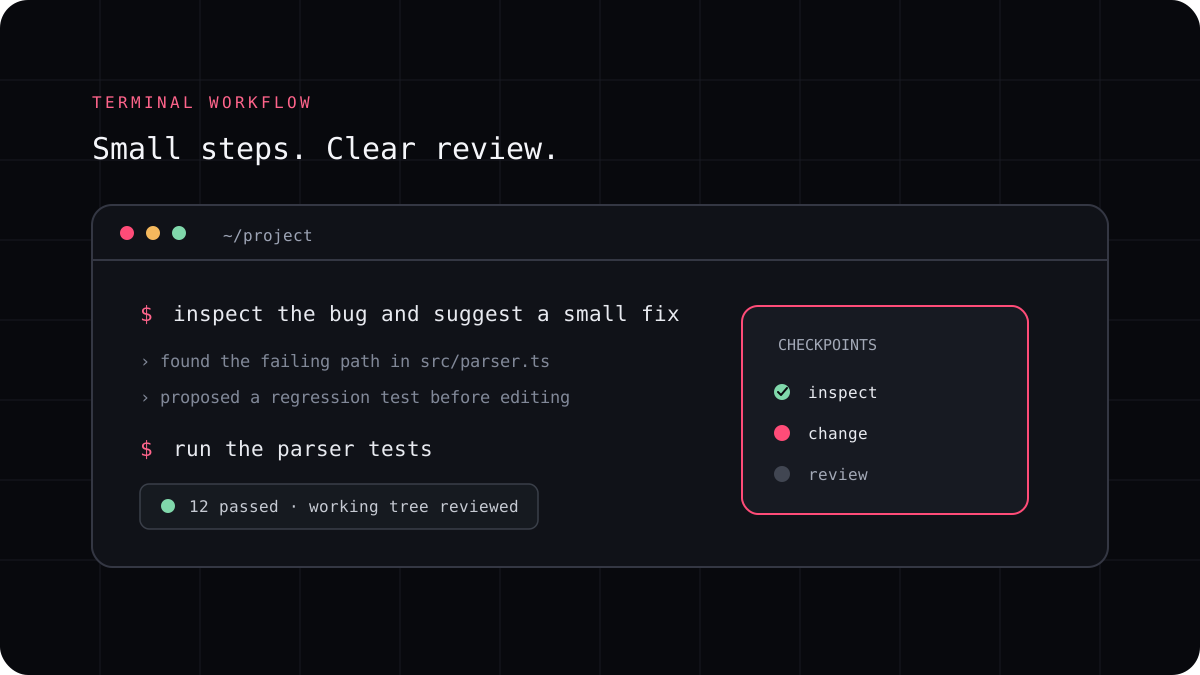
The best AI coding prompt is not the longest one. It gives the agent enough context to understand the requested behavior, states what must stay unchanged, and names a check that can confirm the result. These templates are designed for a repository task you can review, not for handing a vague idea to an agent and hoping it guesses correctly.
A reliable prompt has four parts
Say what is happening now, what should happen instead, where the agent should look, and how you will verify the change. Add a boundary when the patch must stay small or avoid a particular file. Ask the agent to inspect and explain before it edits when the task is unfamiliar or the consequences are significant.
A prompt should not ask the model to claim that a test passed without running it. Ask it to report the command, result, and anything it could not check. That makes the final answer useful evidence instead of a confidence statement.
- Current behavior and expected behavior
- Relevant files or a request to locate them first
- Constraints on scope, compatibility, and dependencies
- A test or manual check that can prove the result
Copy a template and replace the details
Use the matching starting point below, then replace the brackets with facts from your project. If you do not know the right test command, ask the agent to inspect the repository and report the command before it edits anything.
For risky or broad tasks, split planning from implementation. A short review of the plan is often faster than repairing a large patch built on the wrong assumption.
A prompt to adapt
BUG FIX
The current behavior is [what happens].
The expected behavior is [what should happen].
Find the smallest responsible area and explain the cause before editing.
Add or update a regression test.
Run [verified command] and report the result.

FEATURE
A user needs to [goal].
The first useful behavior is [specific outcome].
Keep the change within [scope]. Do not add unrelated dependencies.
Tell me your plan and files before editing.
Run [verified checks] and summarize the diff.

REFACTOR
Improve [specific code] without changing its behavior.
Identify existing tests and compatibility constraints first.
Make one focused change and run the same checks.
Call out any behavior you could not verify.

TESTS
For [function or behavior], cover the normal case, an edge case, and a failure case.
Follow the test style already used in this repository.
Do not change production code unless a test reveals a defect.
Run the narrow test and report its exact result.
Add project instructions once, task context each time
Put stable repository facts in AGENTS.md or the instruction mechanism your CLI uses. That can include architecture, important files, required checks, and boundaries. Keep the current bug report or feature request in the prompt. This keeps task instructions specific without turning the project guide into a long conversation transcript.
If the agent edits several unrelated areas, stop and ask it to narrow the patch. A clean diff is easier to review, test, and revert than a large answer that tries to anticipate every future need.
Use acceptance criteria to review the result
After the agent finishes, compare the output with the requested behavior. Read each changed file, run the listed checks, and try the main user path yourself. If the explanation does not match the diff, trust the code and tests you can inspect rather than the summary.
For repeatable comparisons between coding agents, record the same prompt, starting commit, model, and checks for each run. The developer benchmark template can help you keep those conditions visible.