
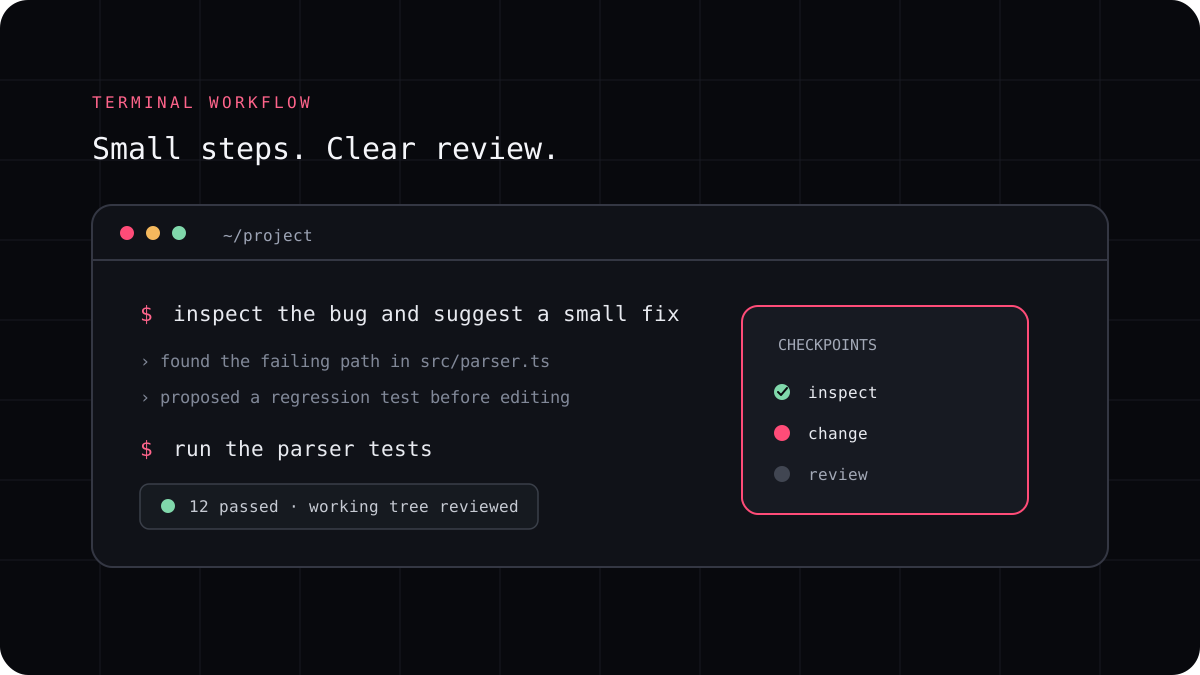
A failing test is useful evidence, but an AI coding agent can still guess at the cause or change the test to hide the failure. Give it the exact command, output, and expected behavior. Then ask it to reproduce the problem, trace the code path, and make the smallest fix that preserves the test’s purpose.
Capture the failure before changing anything
Record the branch, starting commit, exact test command, and the first useful error. Note whether the failure is repeatable, limited to one environment, or connected to uncommitted changes. If setup is flaky, establish that before asking the agent to modify application code.
Avoid pasting a huge log without context. Include the assertion or stack trace that shows what happened and the expected result. Keep the original test unchanged until you understand why it fails.
A prompt to adapt
Reproduce this failing test before editing. Explain the expected and actual behavior, identify the smallest likely cause, and propose a focused fix. Keep the test assertion intact unless you can show that the expectation itself is incorrect. Run the test again and report the exact command and result.Ask for a cause, not just a passing command
The agent should connect the failed assertion to the code path that produced it. Ask which input triggers the problem, what state the function sees, and whether nearby tests cover the edge case. If it proposes a code change, ask why that change addresses the root cause rather than only this example.
A passing test after editing is not enough if the agent changed the assertion, skipped the test, loosened a matcher, or added a broad mock that no longer checks real behavior. Review both the implementation and the test diff.
Run a narrow check, then expand
Start with the failing test or package command. Once it passes, run the related suite and the broader checks that the project uses. A focused test shortens the feedback loop, while the wider check helps catch an interaction that was not visible in the small reproduction.
Separate environment failures from code failures. Missing credentials, unavailable services, dependency download errors, or a platform specific command can prevent a test from running without proving that the patch is wrong. Report what completed and what did not.
- Save the starting state and record the failure.
- Reproduce it before accepting an edit.
- Inspect the implementation and test changes together.
- Run the failing test, related tests, and project checks.
- Review the final diff for skipped tests or unrelated cleanup.
Keep the human review step
A coding agent can accelerate the investigation, but it does not decide whether the expected behavior is right for users. Confirm the requirement, inspect edge cases, and make sure the test covers the regression you meant to prevent.
If the task is a general bug fix rather than a test failure, use the bug fixing guide. If the agent is asked to write new tests, use the testing workflow so generated assertions are checked against the feature requirement.