
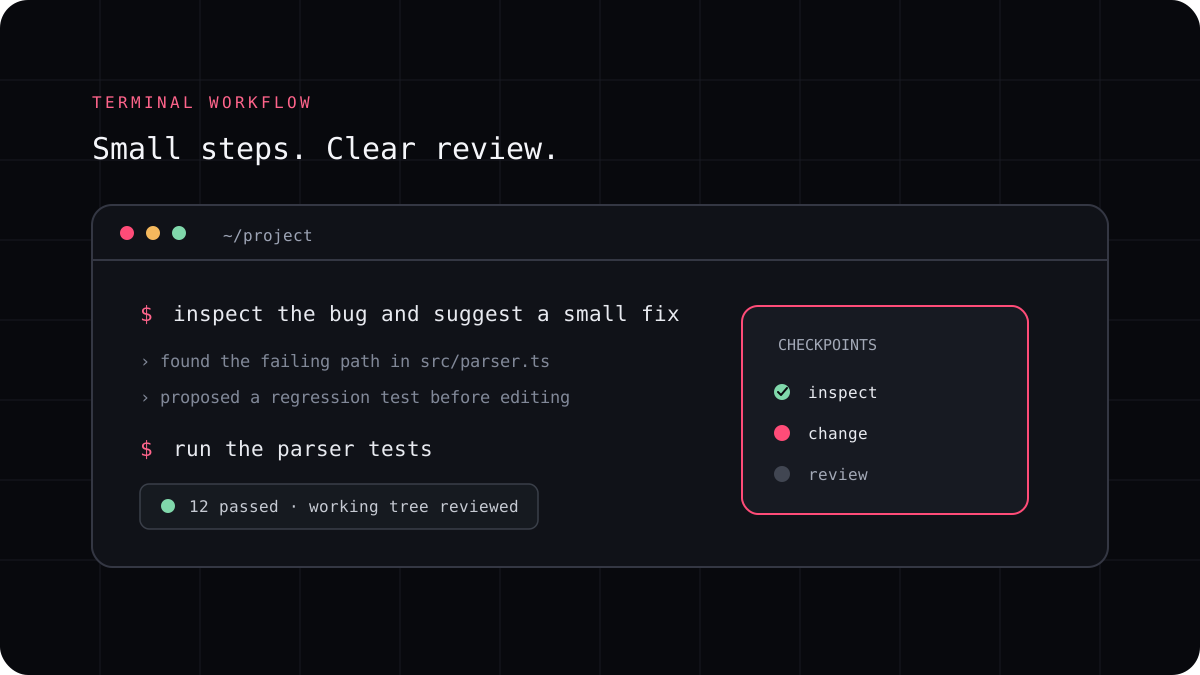
A terminal coding agent can help with a Python bug, test, or small refactor, but Python projects do not all use the same environment or test command. Before asking for a change, have the agent inspect the project files and identify how this repository installs dependencies, runs tests, and checks formatting. That one step prevents many avoidable mistakes.
Ask it to learn the project before installing anything
A repository may use a virtual environment, a lockfile, a pyproject.toml file, requirements files, or a tool specific configuration. Do not let an agent choose a new package manager just because it is familiar with one. Ask it to read the existing setup and report the command it plans to use.
For a new environment, Python’s venv module can create an isolated environment for project packages. Follow the project’s own instructions first, and avoid installing dependencies globally when a virtual environment is expected.
- Read the repository instructions and project configuration.
- Identify the current Python version and environment tool.
- Find the exact test, lint, and type check commands.
- Do not change dependencies unless the task needs it and you approve the change.
Give the agent a task it can verify
Name the function or behavior, show a failing example when you have one, and state the expected result. Ask the agent to locate the implementation and the closest tests before editing. If the change affects an API or stored data, state what must remain compatible.
Have the agent make the smallest patch that fixes the problem, then run the repository’s test command. If the tests are slow, run the narrow test first and the broader suite before you accept the change. Review exception handling and input validation instead of assuming a passing happy path covers every case.
A prompt to adapt
Inspect this Python repository before changing it. Find its Python version, dependency setup, test command, and the files related to this behavior: [describe the behavior]. Explain the likely cause and proposed test. Wait before editing. After I approve, make the smallest change, run the relevant checks, and report the exact commands and results.Check the diff and environment after the task
Look for changes to lockfiles, project metadata, generated files, and environment configuration. A one line fix should not quietly upgrade half the dependency tree. Confirm the agent did not edit outside the intended package or add a credential to a test fixture.
Run the tests from the same environment your team uses. If the agent says a check passed, confirm the command and output are present. Keep the branch easy to reset until you have reviewed the behavior and the dependency changes.
Use the same method for Python tests and refactors
For a test request, ask for cases that cover expected behavior, edge conditions, and a realistic failure. For a refactor, require behavior to stay the same and run the relevant tests before and after. A coding agent is most helpful when it can explain what it observed and show a small diff you can reason about.
LucentraCode can run from the root of a Python project and lets you select a supported model or agent. Check the model list and command reference for the current setup, then try the workflow on one contained task.