
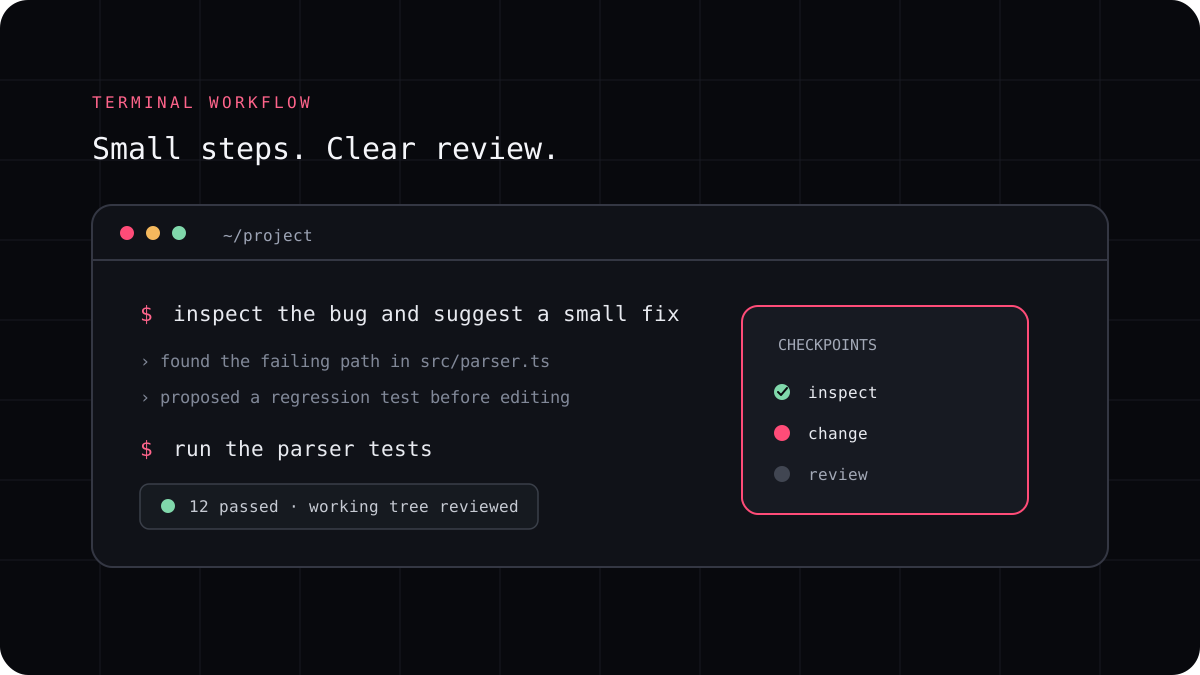
A JavaScript or Node.js repository can use several frameworks, package managers, and test tools. An AI coding CLI should learn those choices from the project before it edits files. Give it a contained task, let it inspect the repository guidance and package scripts, and check the patch with the commands the project already uses.
Let the repository explain how it is built
Start by checking the README, package manifest, lockfile, and any project instruction files. The package manifest often lists the scripts for development, tests, linting, type checks, and builds. A lockfile helps keep dependency resolution consistent. Ask the agent to report the package manager and relevant scripts before it installs or updates anything.
Do not assume that every JavaScript project uses the same framework or command. A Node service, a browser application, and a monorepo may have different entry points and test commands. Use the files that are actually present instead of asking the agent to recreate a familiar setup from memory.
- Name the behavior you want and what must stay the same.
- Ask which files and package scripts apply before editing.
- Keep dependency changes out of scope unless the task needs them.
- Review the diff and run the project’s targeted checks.
Keep JavaScript changes narrow and verifiable
For a bug, provide the failing example or error and ask for a regression test. For a new route or component, point to a similar one so the agent can follow the local structure. For a dependency change, ask why the package is needed and verify its name and version before accepting it.
Run the existing test and lint scripts after the change. If the repository has a build or type check, use the documented command. A command that exits successfully does not replace a browser check for user facing behavior, so test the flow that changed when it matters.
Keep tool access and project data in view
A terminal agent may be able to read files and run shell commands from the project directory. Keep API keys out of source code and ask before accepting commands that publish packages, change production data, or remove files. Start on a branch so you can review or discard a focused patch using normal Git tools.
LucentraCode can work from a project terminal. Follow its current quickstart, then select a supported model that fits the change. The same JavaScript workflow can be used with another CLI, so compare the result on your own project rather than assuming a language specific ranking.