
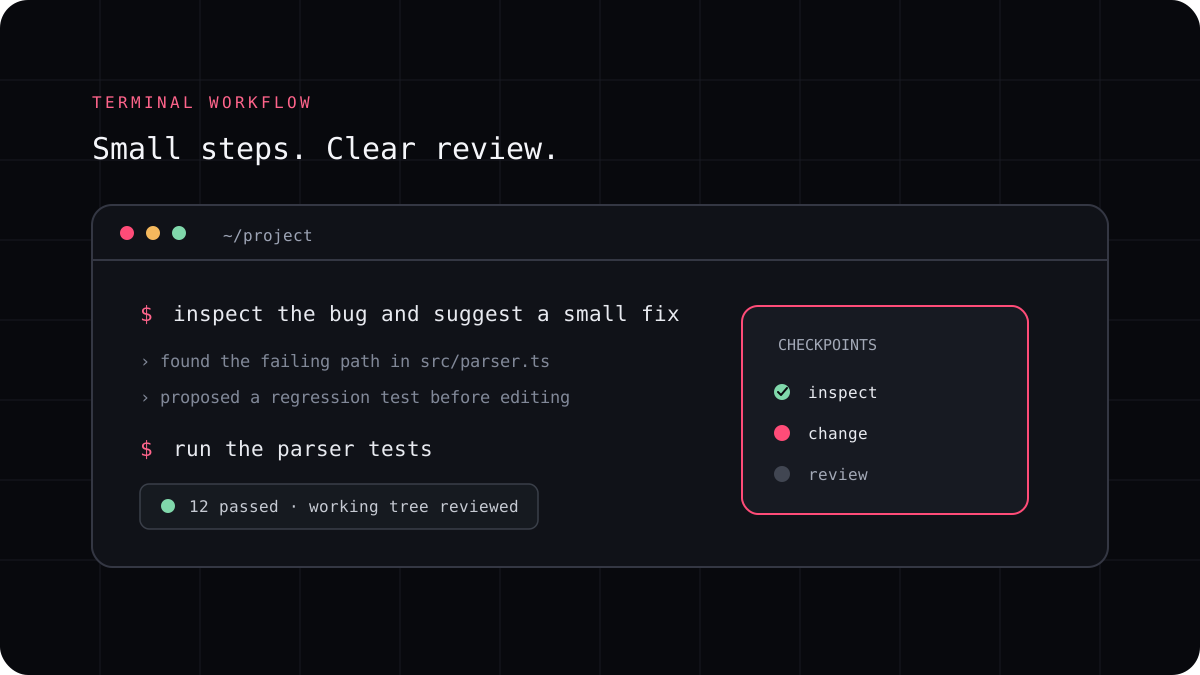
A terminal coding agent may touch several files before it finishes a request. Git gives you a practical way to see what changed and decide whether it belongs in your project. A safe workflow starts with a clear checkpoint and ends with tests, a diff review, and a deliberate decision about what to keep.
Start from a state you can recognize
Before asking an agent to work, check the current branch and see whether you already have edits in progress. Keep those edits separate from the task when you can. If the working tree is already busy, tell the agent exactly which files are yours and which part it may change, or use a separate worktree for the new task.
A branch makes the task easier to name and share. A commit can serve as a stable starting point when the work is important or the repository has multiple contributors. The useful habit is not a particular branching convention. It is knowing how to identify the state before the agent begins.
A prompt to adapt
Before editing, inspect the current Git branch and working tree. Do not overwrite or reformat unrelated changes. Tell me which files appear relevant to [task] and what you plan to change. Wait for approval before editing. When finished, summarize the diff and the checks you ran.Ask for a reviewable change
Give the agent a bounded task and a clear condition for completion. Ask it to make the smallest change that meets that condition and to leave unrelated cleanup for another task. If it discovers that the request needs a broader change, ask it to explain the dependency before continuing.
After the edit, use Git to inspect the paths and lines that changed. A useful sequence is to check status, look for whitespace problems, review the summary, and then read the full diff. The commands below show the standard Git tools; use the repository’s normal shell and branch conventions.
A prompt to adapt
git status --short
git diff --check
git diff --stat
git diff
Run checks and decide what to keep
Run the narrow test for the changed behavior, then any broader check required by your project. Compare the result with the acceptance criteria. If the test fails, determine whether the code change caused it before asking for another patch. Keep the original output or a clean checkpoint available until you understand the failure.
Read the whole diff, including configuration and dependency files. If one part is good and another is not, ask for a focused correction and review the new diff. Do not accept a summary as a substitute for checking the files that Git reports.
- Record the branch and working tree state.
- Give the agent one task with a clear completion check.
- Review the changed paths and complete diff.
- Run checks and keep only the changes you understand.
Use a separate worktree when your task is not isolated
If another task is already using the working tree, Git worktrees let you create another directory linked to the same repository. Each can have its own checked out branch. That is useful when a coding agent needs a separate copy of the files while you continue working elsewhere. Read the dedicated worktree guide before running multiple agents at once.
LucentraCode provides a terminal workflow for repository tasks. See its CLI command reference and setup guide, then use Git as the record of what the agent changed and what you decide to keep.